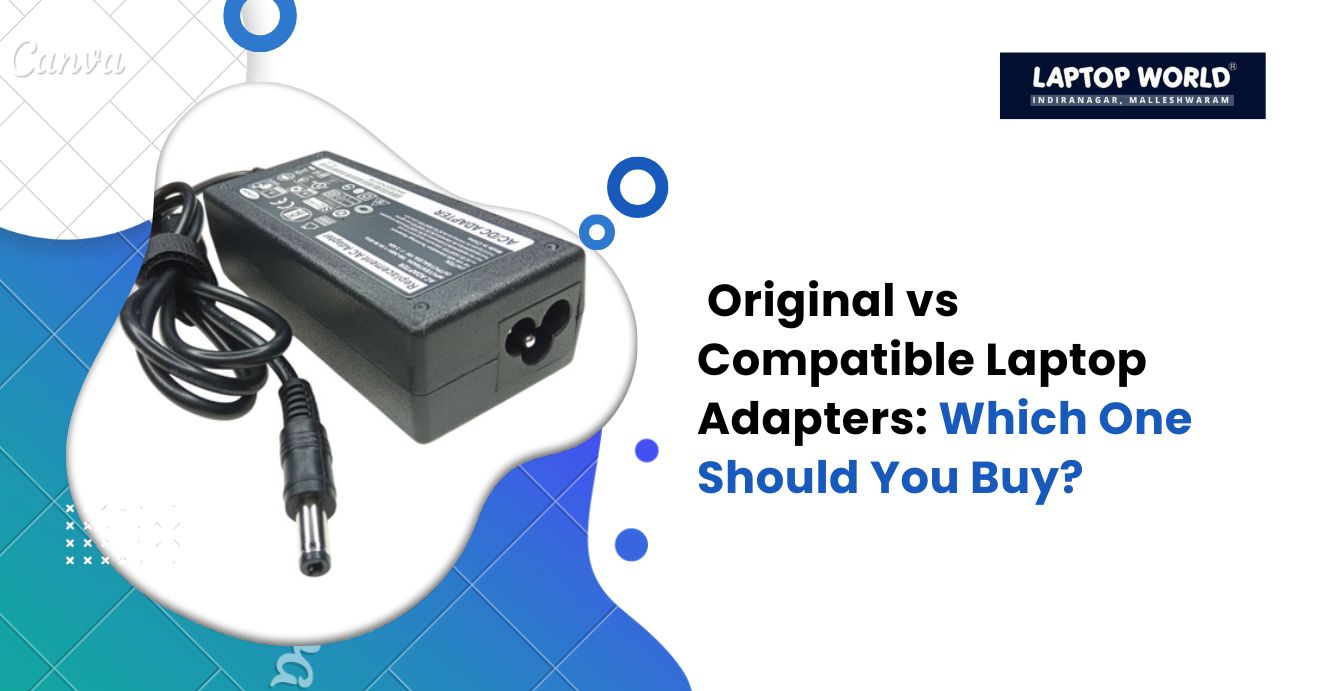
Original vs Compatible Laptop Adapters: Which One Should You Buy?
Discover the differences between original and compatible laptop adapters. Compare safety, cost, and performance to pick the best option for your laptop.
When your laptop stops charging or shows battery warnings, the first thing you look at is the laptop adapter. But choosing the right adapter isn’t always straightforward. With the market flooded with options, you may find yourself torn between original and compatible laptop adapters. Therefore, making the right choice affects not just your device’s performance but also its longevity.
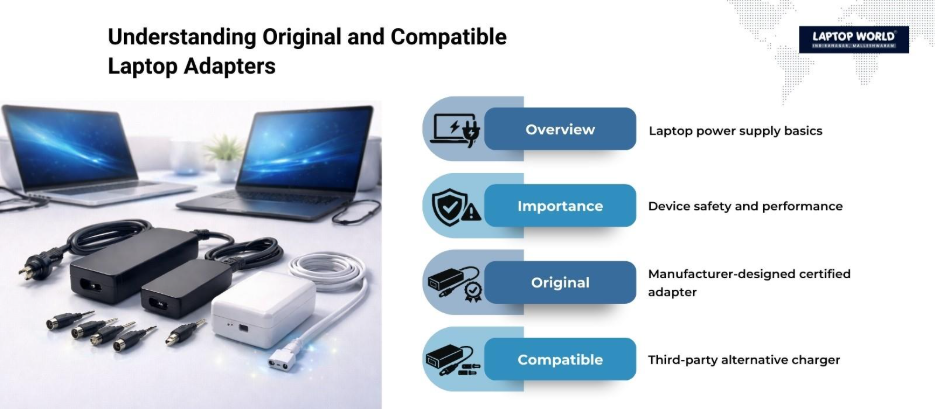
Laptop adapters, also called AC adapters or chargers, are important in powering your laptop and keeping it running smoothly. Using the wrong adapter can result in slow charging, device malfunctions, or even permanent hardware damage. In this blog, we will break down the differences between original and compatible laptop adapters, their pros and cons, and factors to consider before making a purchase.
Original Laptop Adapters vs Compatible Laptop Adapters
Original laptop adapters are manufactured by the same company that made your laptop. These adapters are specifically designed for your laptop model, matching voltage, amperage, and connector type. They usually come with a higher price tag due to brand value and verified quality.
Compatible, or third-party, laptop adapters are made by companies other than the original laptop manufacturer. They are designed to match the power requirements of popular laptop models, often at a lower price point.
Key Differences Between Original and Compatible Laptop Adapters
To make an informed decision, it helps to compare original and compatible laptop adapters side by side:
| Feature | Original Laptop Adapter | Compatible Laptop Adapter |
| Cost | Higher | Lower |
| Compatibility | Perfectly matches laptop model | May vary depending on brand and model |
| Safety | Certified, high-quality components | Quality may vary; some lack certifications |
| Durability | Long-lasting | Can wear out faster if poorly made |
| Warranty Impact | Does not affect laptop warranty | May void laptop warranty if incompatible |
| Availability | May be limited | Widely available online and offline |
| Features | Standard | Some models may include extra features like LED indicators |
Factors to Consider Before Buying Laptop Adapters
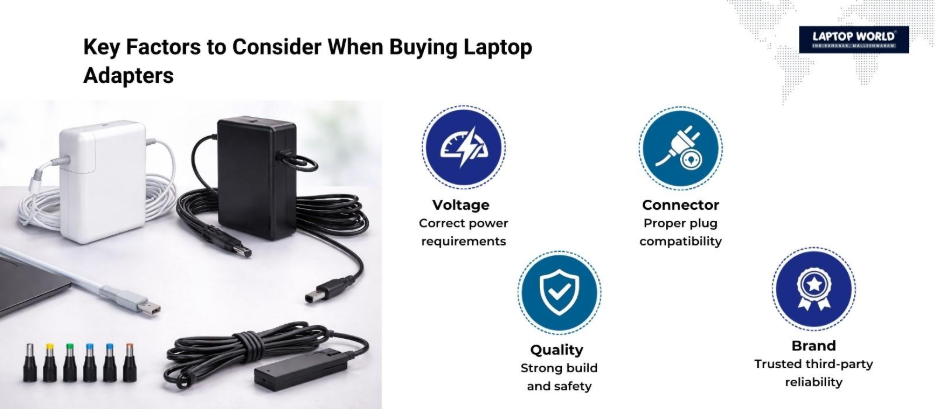
Choosing between original and compatible laptop adapters requires careful consideration. Here are the main factors to keep in mind:
1. Voltage and Amperage Requirements
Every laptop requires a specific voltage and amperage to operate correctly. Original adapters are guaranteed to meet these requirements. With compatible adapters, double-check the specifications on the packaging to match your laptop’s needs. Using an adapter with incorrect voltage can damage your device.
2. Connector Type
Laptops come with various connector sizes and types. While original adapters come with the correct connector, compatible adapters may offer multiple tips for universal compatibility. Make sure the connector fits securely to avoid loose connections or sparking.
3. Build Quality
Original adapters usually have superior build quality, including reinforced cables and quality plugs. When considering compatible adapters, look for models with certifications like CE, FCC, or RoHS to reduce the risk of electrical hazards.
4. Brand Reputation
Third-party adapter quality varies widely between manufacturers. Therefore, choosing a reliable brand with positive reviews can help reduce the risks associated with generic adapters. Reputable brands often provide warranties, which add some protection.
Misconceptions About Compatible Adapters
Many users assume all third-party adapters are unsafe, but this is not always true. High-quality compatible adapters from reputable brands often meet the same safety standards as original adapters. The key is to check product specifications, certifications, and user reviews before purchasing.
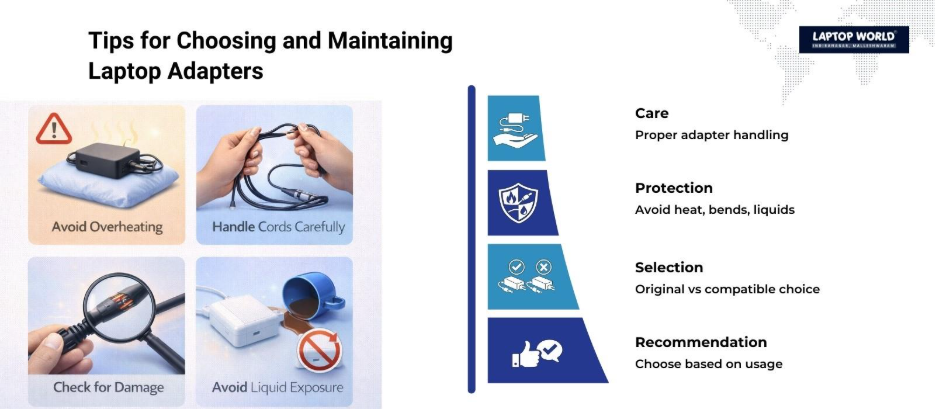
Tips to Extend the Life of Your Laptop Adapter
Whether you choose an original or compatible laptop adapter, proper care can extend its lifespan:
- Avoid Overheating: Place the adapter in a well-ventilated area during use.
- Handle with Care: Avoid bending or twisting the cable excessively.
- Unplug When Not in Use: Disconnect the adapter from both the laptop and the power outlet to prevent unnecessary wear.
- Keep Away from Liquids: Prevent exposure to water or other liquids to avoid electrical damage.
- Use a Surge Protector: Protect your adapter from sudden voltage spikes.
Making the Right Choice
Deciding between original and compatible laptop adapters depends on your priorities. If budget is not a constraint and you want guaranteed safety and longevity, original adapters are the best choice. On the other hand, if you are looking for a cost-effective alternative and can verify quality, a compatible adapter can work well for everyday use.
Quick Recommendation:
- Heavy Users / Professionals: Go for original adapters.
- Casual Users / Backup Adapter Needs: Choose a certified, high-quality compatible adapter.
Final Thoughts
Choosing between original and compatible adapters involves weighing cost, safety, compatibility, and durability. While original adapters provide peace of mind and reliability, high-quality compatible adapters offer affordability without compromising essential functionality.
By considering voltage, connector type, build quality, and your laptop usage, you can make an informed decision that meets your needs. Need the perfect laptop adapter? Visit Laptop World in Malleshwaram for original and certified compatible laptop adapters.
About Laptop World
With 20 years of experience in Retail, Laptop World is Bangalore’s oldest multi-brand laptop store in Malleshwaram, offering a personalized customer experience. We are unbiased towards any particular brand, dealing with top names like HP, Lenovo, Dell, Asus, and Apple. Our commitment to excellent customer service sets us apart.
For businesses, our corporate division, Nurture IT, in Indiranagar, provides comprehensive IT solutions tailored for startups, ensuring all your IT needs are met in one place. From laptops to networking, servers, Information Security, End User Protection – we have you covered.
FAQs
1. What is the difference between original and compatible laptop adapters?
Original laptop adapters are made by the laptop manufacturer and guarantee perfect compatibility, safety, and durability. Compatible adapters are third-party products that may vary in quality but are often more affordable.
2. Are compatible laptop adapters safe to use?
Yes, high-quality compatible adapters from reputable brands with proper certifications (CE, FCC, RoHS) are generally safe to use. Always check specifications and reviews before purchasing.
3. Can using a compatible adapter damage my laptop?
Using a low-quality or incompatible adapter with incorrect voltage or amperage can cause damage to your laptop, including overheating or battery issues.
4. How do I know if a compatible adapter will work with my laptop?
Check the voltage, amperage, and connector type listed on your laptop. Match these specifications exactly with the compatible adapter before purchasing.