
ASUS ExpertBook P1 (P1503) vs ASUS Vivobook S 15 OLED (S5507QA-MA551WS)
Compare ASUS ExpertBook P1 and Vivobook S 15 OLED in display, performance, battery, ports, and value to find the best laptop for work or creativity.
Please be advised that our website serves as a reference for our products, and we do not offer online sales for laptops or accessories. We strongly believe in providing exceptional customer service and personalized guidance, therefore, we invite you to visit our physical store to experience our premium service firsthand. Dismiss
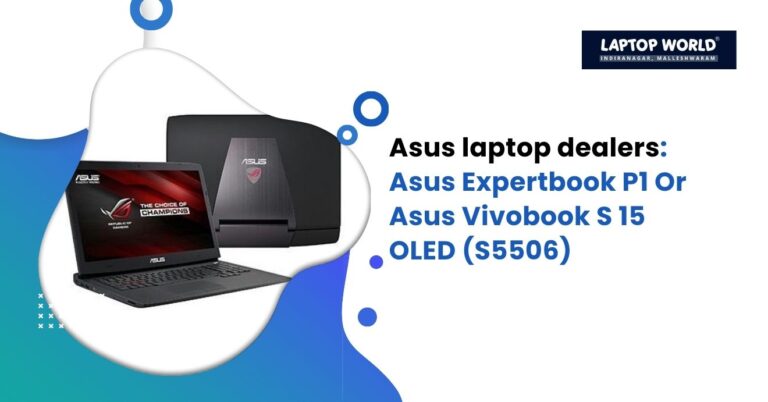
Compare ASUS ExpertBook P1 and Vivobook S 15 OLED in display, performance, battery, ports, and value to find the best laptop for work or creativity.
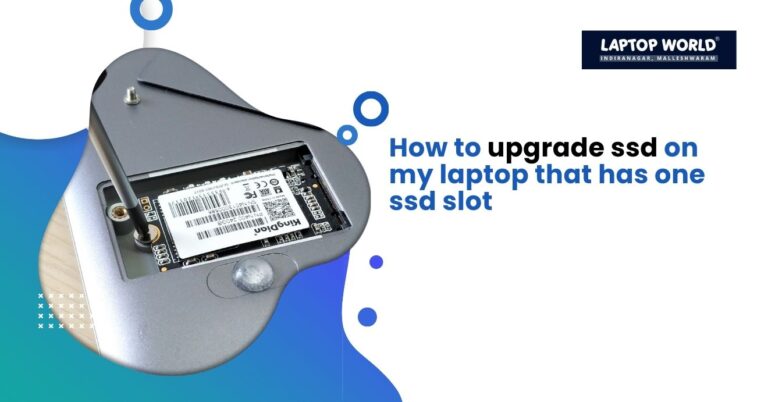
One way to improve laptop performance and storage space is a laptop SSD upgrade. However, if your laptop has only one SSD slot, the process might seem tricky, but with the right approach, you can upgrade to a larger and faster SSD without replacing the entire laptop. In this guide, we will walk you through…

Explore the top 5 best laptops for students in 2026, from budget-friendly models to premium options with AI features, powerful performance, and stunning displays.

Learn how to identify original vs duplicate laptop parts in Bangalore markets using serial checks, pricing comparisons, testing tips, and dealer insights.
Learn how to identify original vs duplicate laptop parts in Bangalore markets using serial checks, pricing comparisons, testing tips, and dealer insights.
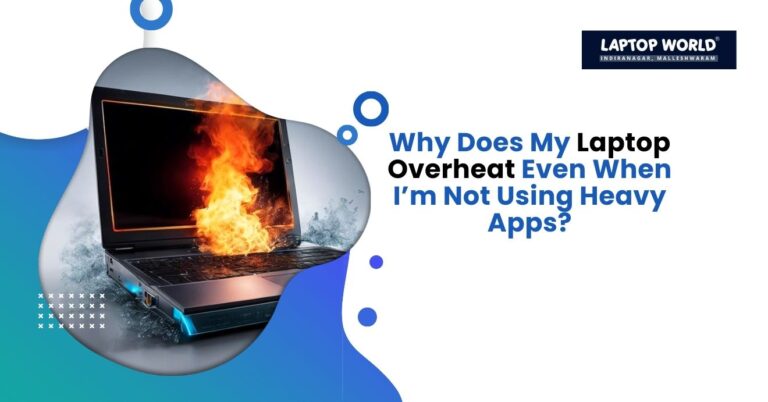
Discover why your laptop overheats even without heavy apps. Learn hidden causes, fixes, prevention tips, and FAQs to keep your device cool and efficient.
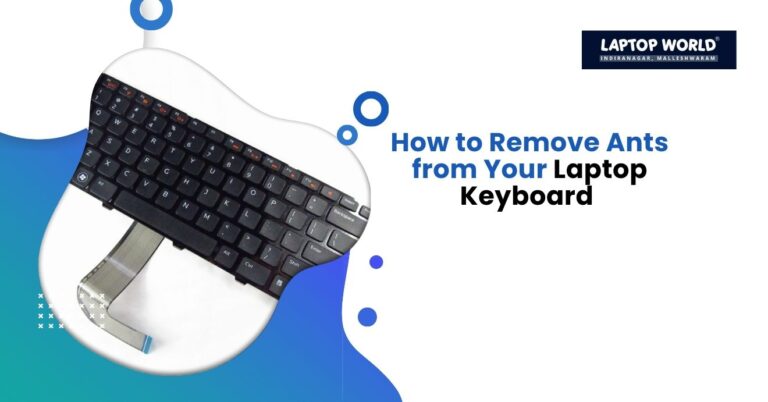
Learn practical steps to remove ants from your laptop keyboard, prevent infestations, and keep your device clean with easy DIY methods and expert tips.
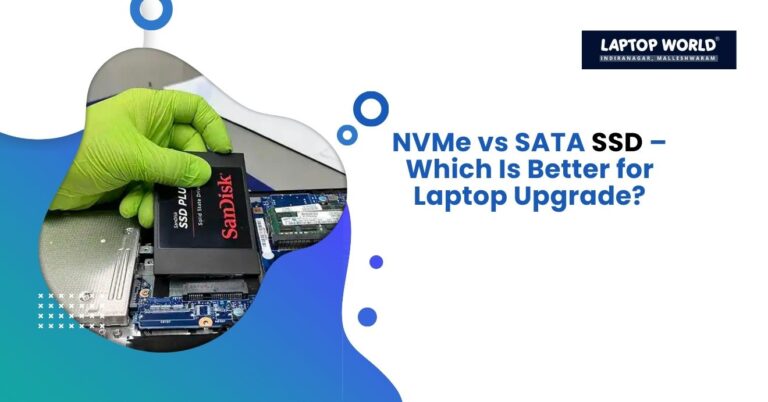
Upgrading your laptop storage can dramatically improve performance, boot times, and overall responsiveness. If you’re planning a laptop SSD upgrade, you’ll likely come across two main types of drives: NVMe SSDs and SATA SSDs. Both offer benefits over traditional hard drives, but choosing the right one can make a noticeable difference in speed, efficiency, and value for money. In this guide, we’ll break down…
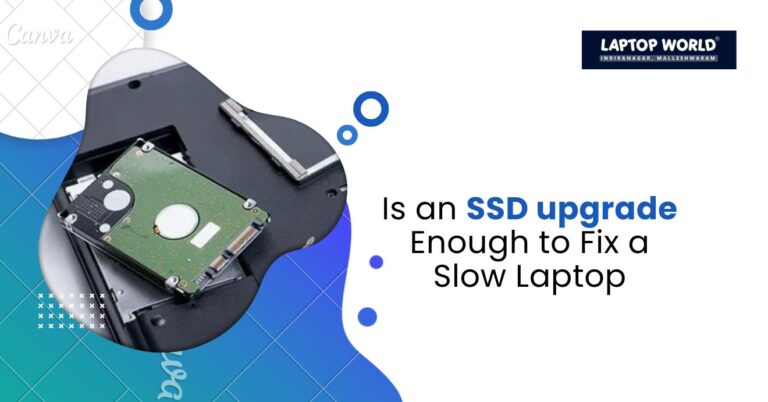
Is your laptop feeling sluggish, taking forever to boot, or struggling with multiple apps? If so, a laptop SSD upgrade might be the first solution that comes to mind. Solid-state drives (SSDs) are widely known for their speed compared to traditional hard disk drives (HDDs). But before you rush to swap your drive, it’s important…
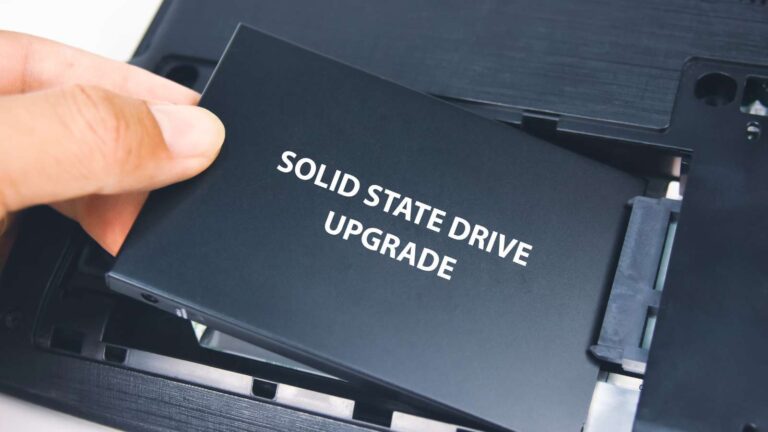
Laptop SSD upgrade is one of the best ways to boost your device’s performance, offering faster boot times, quicker data access, and improved overall responsiveness.
No products in the cart.