Laptop Buying Guide: Future-Proof Specs for the Next 5 Years
Laptop buying guide to choose future-proof specs for the next 5 years. Compare processors, RAM, storage, battery, and connectivity options.
Planning to buy a new laptop but worried it might feel outdated in just two or three years? You’re not alone. Technology evolves rapidly, and choosing the right configuration today can save you from performance issues tomorrow. In this detailed laptop buying guide, we will help you select future-proof specs that remain relevant for the next five years.
From processors and RAM to storage, battery life, ports, and display technology, every component plays a role in long-term usability. Let’s break down what truly matters.
Why Future-Proofing Matters in 2026
Software applications are becoming more demanding. Operating systems receive regular updates. Web browsers consume more RAM. AI-powered tools are increasingly integrated into productivity suites.
A laptop that feels fast today may struggle in a few years if its specifications are minimal. Future-proofing means selecting hardware that comfortably exceeds current requirements rather than just meeting them.
This approach helps you:
- Avoid slowdowns after OS updates
- Run multiple applications smoothly
- Extend device lifespan
Processor (CPU): The Brain of Your Laptop
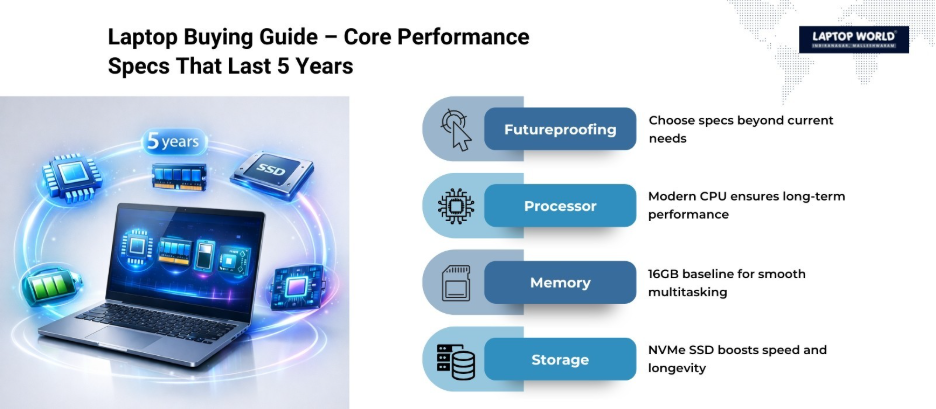
The processor determines overall speed and multitasking capability. For long-term use, choosing a modern architecture is critical.
Recommended CPU Tier for 5-Year Use
Look for at least:
- Intel Core i5 (13th gen or newer)
- AMD Ryzen 5 (7000 series or newer)
- Apple M-series chips (M2 or newer)
For power users:
- Intel Core i7
- AMD Ryzen 7
- Apple M3 series
Modern CPUs feature hybrid core designs, better power efficiency, and AI acceleration capabilities. These features support upcoming software trends and heavier workloads.
RAM: Multitasking Without Slowdowns
RAM directly impacts how many applications and browser tabs you can run simultaneously.
Minimum vs Ideal RAM
- 8GB RAM – Entry-level for light usage
- 16GB RAM – Recommended for most users
- 32GB RAM – Ideal for creators and developers
For a laptop meant to last five years, 16GB should be considered the baseline. Many modern apps, including design tools and cloud-based software, easily consume more than 8GB.
Also check:
- Is the RAM upgradeable?
- Is it soldered to the motherboard?
Upgradeable RAM gives flexibility in the future.
Storage: SSD Is Non-Negotiable
Hard drives (HDDs) are outdated for primary storage in 2026. SSDs significantly improve boot time, app loading, and file transfers.
Storage Recommendations
- Minimum: 512GB NVMe SSD
- Ideal: 1TB NVMe SSD
NVMe SSDs are faster than SATA SSDs because they use PCIe lanes for data transfer. If you handle large files like videos or software builds, higher capacity is beneficial.
Cloud storage helps, but local SSD capacity still matters for performance and offline access.
Graphics: Integrated vs Dedicated GPU
Your usage determines GPU requirements.
Integrated Graphics
Modern integrated GPUs from Intel, AMD, and Apple are powerful enough for:
- Office work
- Streaming
- Light photo editing
- Casual gaming
Dedicated GPU
Consider NVIDIA RTX or AMD Radeon GPUs if you:
- Edit 4K videos
- Use 3D rendering software
- Play modern AAA games
- Work with AI or machine learning
For most professionals, strong integrated graphics paired with a capable CPU is sufficient.
Display: Resolution, Panel Type, and Refresh Rate
The display affects both productivity and comfort.
Recommended Display Specs
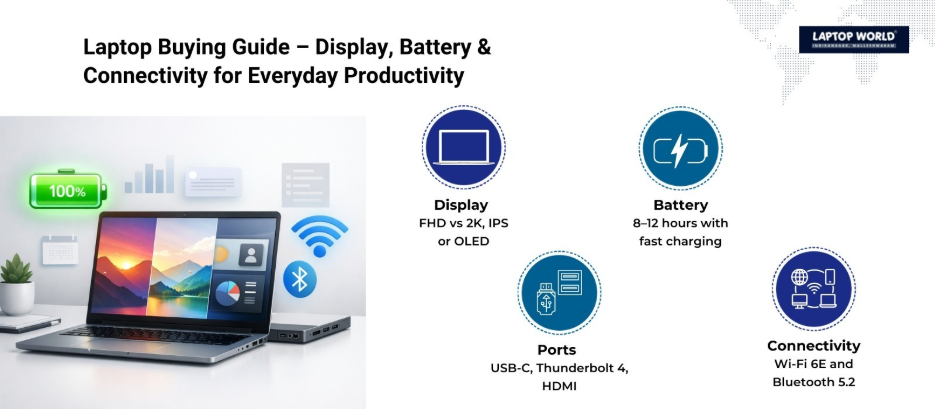
- Minimum resolution: Full HD (1920×1080)
- Ideal resolution: 2K or higher for creators
- Panel type: IPS or OLED
- Brightness: At least 300 nits
OLED displays provide better contrast, while IPS panels offer consistent color accuracy and viewing angles.
For smoother visuals:
- 120Hz refresh rate improves scrolling and animations
If you work long hours, look for low blue light certification and anti-glare coating.
Battery Life: Real-World Expectations
Manufacturers often advertise ideal battery figures based on controlled testing.
For five-year usability:
- Check out laptops offering 8-12 hours of usage
- Larger battery capacity (50Wh or more) is preferred
- Efficient processors improve longevity
Fast charging support is another valuable feature.
Ports and Connectivity: Think Ahead
Many thin laptops sacrifice ports for design. However, connectivity determines convenience over time.
Must-Have Ports in 2026
- USB-C (preferably Thunderbolt 4 or USB4)
- USB-A (at least one port)
- HDMI
- 3.5mm audio jack
Thunderbolt 4 supports:
- High-speed data transfer
- External GPUs
- Dual 4K monitors
For wireless:
- Wi-Fi 6 or Wi-Fi 6E minimum
- Bluetooth 5.2 or newer
These standards support faster speeds and better device compatibility over the next few years.
Build Quality and Upgrade Options
Durability impacts longevity as much as internal specs.
Look for:
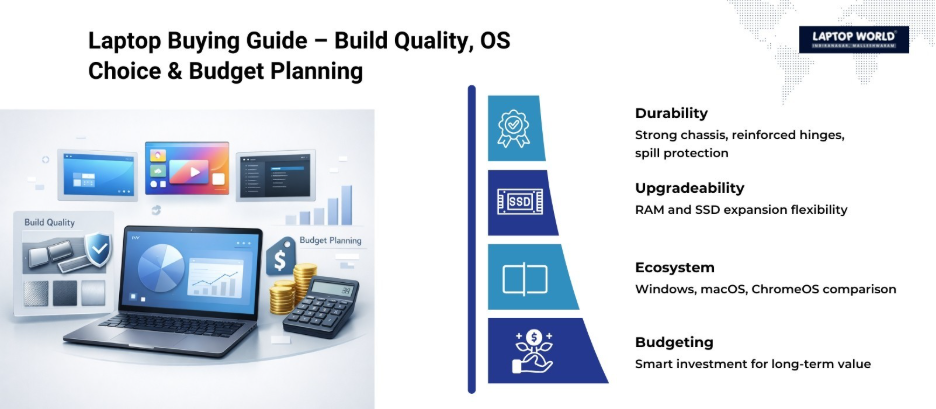
- Aluminum or magnesium alloy chassis
- Reinforced hinges
- Spill-resistant keyboard
Check if the laptop allows:
- SSD upgrades
- RAM expansion
Business-class laptops often offer better durability and serviceability than consumer-grade models.
Operating System Considerations
Choose an ecosystem aligned with your workflow.
- Windows laptops offer broader hardware flexibility
- macOS devices provide optimized hardware-software integration
- ChromeOS works for cloud-first users
Each platform receives long-term updates, but verify official support timelines before purchase.
Future-Proof Laptop Specification Table
| Component | Minimum Recommendation | Ideal Future-Proof Option | Why It Matters |
| Processor | Intel i5 / Ryzen 5 | Intel i7 / Ryzen 7 / M3 | Handles multitasking & AI workloads |
| RAM | 8GB | 16GB-32GB | Smooth performance over time |
| Storage | 512GB SSD | 1TB NVMe SSD | Faster boot & app loading |
| Graphics | Integrated GPU | Dedicated RTX GPU | Required for heavy creative tasks |
| Display | FHD IPS | 2K OLED / 120Hz IPS | Better visuals & comfort |
| Battery | 8 hours | 10-12 hours | All-day productivity |
| Connectivity | Wi-Fi 5 | Wi-Fi 6E + Thunderbolt 4 | Faster data & future compatibility |
How Much Should You Budget?
Future-proofing doesn’t always mean buying the most expensive device.
General budget guidance (India, 2026 range):
- ₹50,000-₹65,000: Mid-range, 16GB RAM models available
- ₹70,000-₹1,00,000: High-performance ultrabooks
- ₹1,00,000+: Creator and gaming laptops
Spending slightly more now may delay replacement by several years.
Final Thoughts
A well-researched laptop buying guide focuses on balance — processor power, sufficient RAM, fast SSD storage, reliable battery life, and modern connectivity. Technology will continue to evolve, but choosing forward-looking specifications reduces the risk of early obsolescence.
At Laptop World, explore our wide range of laptops with the latest specs and receive expert advice tailored to your needs. Your perfect laptop is just a visit away!
About Laptop World
With 20 years of experience in Retail, Laptop World is Bangalore’s oldest multi-brand laptop store in Malleshwaram, offering a personalized customer experience. We are unbiased towards any particular brand, dealing with top names like HP, Lenovo, Dell, Asus, and Apple. Our commitment to excellent customer service sets us apart.
For businesses, our corporate division, Nurture IT, in Indiranagar, provides comprehensive IT solutions tailored for startups, ensuring all your IT needs are met in one place. From laptops to networking, servers, Information Security, End User Protection – we have you covered.
FAQs
1. What is the best processor for a laptop that lasts 5 years?
For long-term usability, look for Intel Core i5/i7 (13th gen or newer), AMD Ryzen 5/7 (7000 series or newer), or Apple M2/M3 chips. These handle multitasking, updates, and modern software demands efficiently.
2. How much RAM is considered future-proof in 2026?
16GB RAM is recommended as a baseline for smooth performance over five years. Power users or content creators may opt for 32GB to comfortably run demanding applications.
3. Do I need a dedicated GPU for future-proofing?
Not necessarily. Integrated GPUs are sufficient for most users. Choose a dedicated GPU (NVIDIA RTX or AMD Radeon) if you work with video editing, 3D rendering, or gaming.
4. Can I upgrade my laptop to make it more future-proof later?
Some laptops allow RAM and SSD upgrades, but many thin laptops have soldered components. Check upgrade options before purchase to extend lifespan.
5. Where can I find laptops with future-proof specs in India?
At Laptop World in Malleshwaram, we offer a wide range of laptops with the latest processors, RAM, storage, and display options. Our experts guide you to pick a machine that stays relevant for the next 5 years.