

Laptop Privacy and Security Accessories in Bangalore: What Businesses and Professionals Need in 2027
A laptop used for business holds more than documents and emails. It may contain client information, financial records, confidential presentations, saved credentials, and access to company systems. Losing control of that information can create problems long after a meeting ends. For professionals in Bangalore, the risks are not limited to cyberattacks. Working from cafés, coworking…
A laptop used for business holds more than documents and emails. It may contain client information, financial records, confidential presentations, saved credentials, and access to company systems. Losing control of that information can create problems long after a meeting ends.
For professionals in Bangalore, the risks are not limited to cyberattacks. Working from cafés, coworking spaces, airports, and shared offices can expose screens to curious onlookers. An unattended device can also become an easy target for theft.
However, the right accessories can reduce these risks. Here are the most useful laptop privacy and security accessories to consider in 2027.
1. Laptop Privacy Screens for Confidential Work
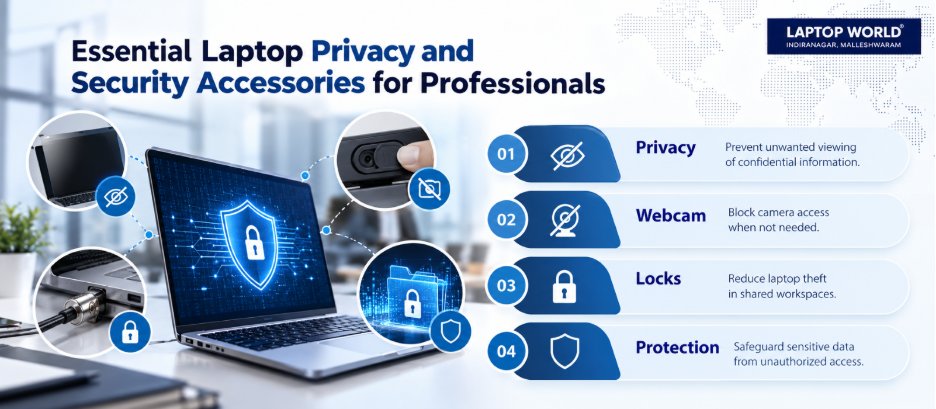
A laptop privacy screen is a useful investment for professionals who regularly handle sensitive information outside private offices. It restricts the viewing angle and makes the display harder to read from the sides.
This is helpful for HR teams reviewing employee records, finance professionals handling spreadsheets, and consultants working with client documents.
However, privacy screens are not a substitute for access controls or encryption. Someone directly behind you may still see the display. Therefore, avoid displaying sensitive information when strangers can easily observe your screen.
2. Webcam Covers for Better Camera Privacy
Video meetings are part of everyday business. Yet not every laptop has a built-in physical camera shutter.
A webcam cover provides a physical barrier over the camera lens when it is not in use. It can be useful for remote employees, consultants, and professionals who frequently join online meetings.
Remember that a webcam cover blocks the camera lens, not the microphone. Therefore, review camera and microphone permissions in your operating system and meeting applications separately.
3. Laptop Security Locks to Reduce Theft Risk
A laptop security lock can help protect devices in shared workplaces, reception areas, training rooms, and exhibition spaces.
Most cable locks attach to a compatible security slot and anchor the laptop to a fixed object. However, not every laptop has a built-in lock slot, and different slot designs may require different locks. Therefore, confirm that the lock fits the device and that the anchor point is sturdy.
However, a cable lock is a deterrent, not a guarantee against theft. Keep your laptop with you whenever practical, and avoid leaving it unattended in public places.
4. Secure Laptop Bags for Business Travel
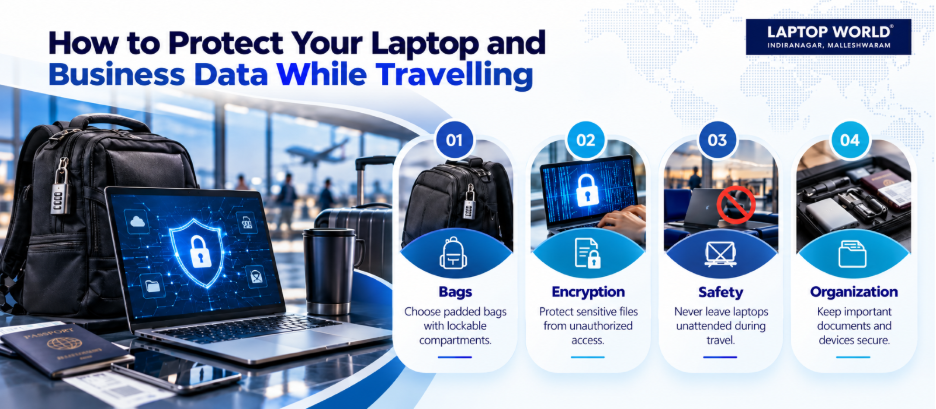
A well-designed laptop bag makes daily travel between offices, client meetings, and coworking spaces safer and more convenient.
Look for a padded compartment that fits your laptop closely without forcing it inside. Lockable zipper pulls, discreet compartments, and water-resistant materials can be useful features. For professionals carrying confidential paperwork or external storage devices, separate compartments can help prevent accidental loss.
5. Encrypted External Storage for Sensitive Files
External SSDs and USB drives are convenient for transferring presentations, project files, and backups. However, a lost drive can expose its contents if the files are stored without appropriate protection.
For business use, consider hardware-encrypted storage or software-based encryption approved by your organisation. Check the encryption method, recovery options, operating-system compatibility, and management requirements before purchasing.
Do not assume that every drive advertised as secure offers hardware encryption. Read the manufacturer’s specifications carefully.
6. What to Look for When Buying in Bangalore
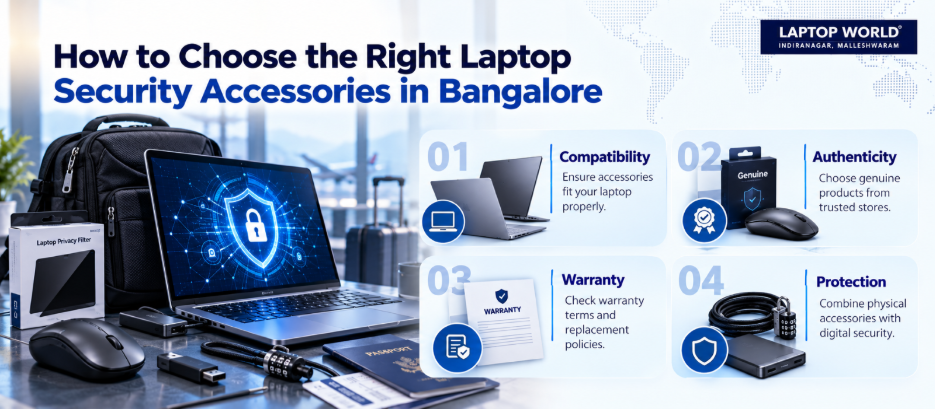
When comparing laptop accessories stores in Bangalore, focus on compatibility, product authenticity, warranty terms, and after-sales support.
Use this checklist before purchasing:
- Confirm the exact accessory model and laptop compatibility.
- Ask whether the product is genuine and whether the manufacturer provides a warranty.
- Check the return or replacement policy, especially for fitted privacy filters.
- Request a GST invoice and retain the packaging and purchase documentation.
- Test the accessory when possible, including screen fit, port compatibility, and normal lid closure.
For additional buying guidance, you may get in touch with us. Laptop World offers laptop-related products, expert buying guidance, and repair and maintenance services.
7. Build a Practical Security Setup for 2027
You do not need every accessory to protect a business laptop. Start with the risks you face most often.
If you regularly work in public, prioritise a compatible privacy screen. If you carry sensitive files between locations, consider encrypted storage approved by your IT team. If your laptop remains at a shared workstation, invest in a compatible cable lock.
Pair these physical safeguards with strong sign-in protection, automatic screen locking, full-disk encryption, operating-system updates, and multi-factor authentication where available.
The goal is not to buy more equipment; it is to choose accessories that address genuine risks without interfering with daily work.
Final Thoughts
Laptop privacy and security accessories can help professionals reduce everyday risks, from shoulder surfing to opportunistic theft. However, the best choice depends on your device, work environment, and the information you handle.
A few carefully selected accessories, combined with sensible security practices, can make your laptop setup more suitable for professional work in 2027.
FAQs
1. Which laptop privacy accessory should I buy first?
If you regularly work in public or shared spaces, consider a privacy screen first. If your main concern is camera privacy, check for a built-in webcam shutter before buying a separate cover.
2. Are laptop privacy screens worth buying for office work?
They can be valuable when confidential information is visible on your display in open offices, meeting rooms, or shared workspaces. However, they do not replace encryption or access controls.
3. Do webcam covers work on every laptop?
Not necessarily. The cover must fit around the camera without obstructing sensors or interfering with the lid.
4. Can a webcam cover damage a laptop screen?
A cover that is too thick can press against the display when the lid closes. This is a particular concern for some slim laptops. Therefore, check the model-specific clearance guidance.
5. Does a laptop security lock prevent theft?
No. A compatible cable lock can deter opportunistic theft, but it is not theft-proof. Physical supervision and device recovery measures remain important.