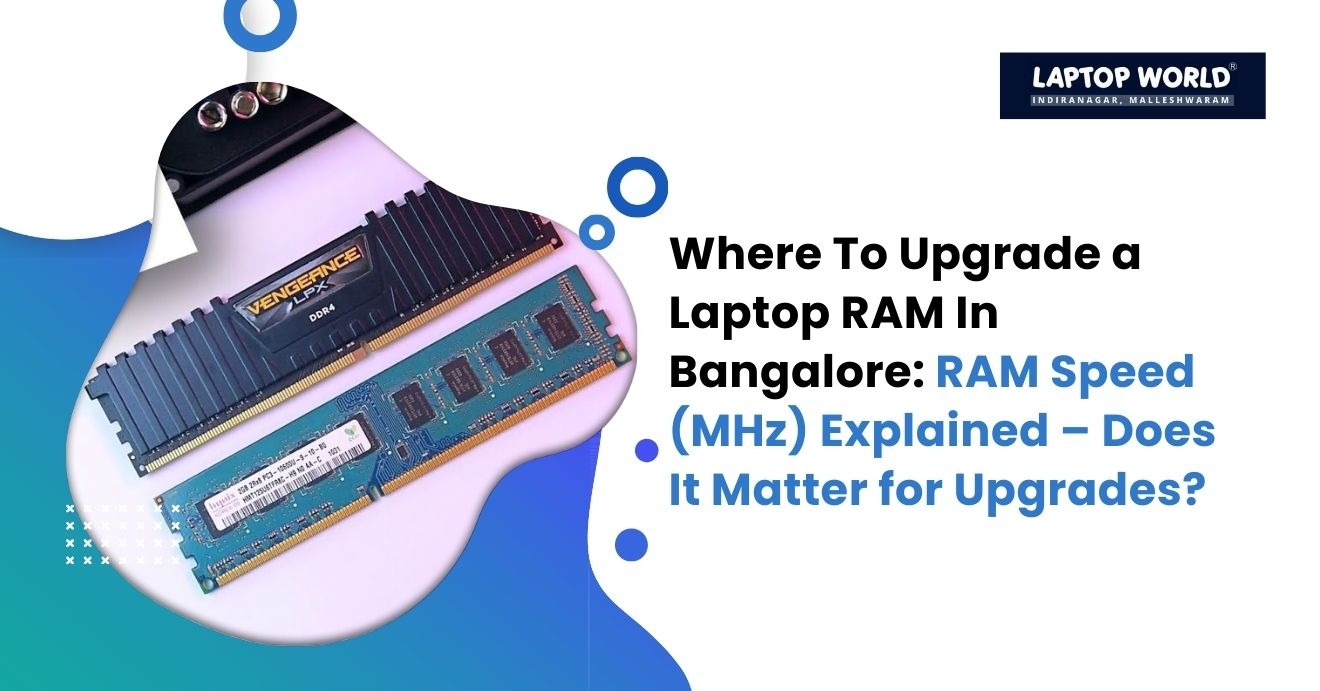
RAM Speed (MHz) Explained – Does It Matter for Upgrades?
If you want a faster laptop, upgrading your RAM is one of the smartest moves you can make. But when users start researching options, they quickly run into a technical question: Does RAM speed (MHz) really matter? If you’re searching for where to upgrade a laptop RAM in Bangalore, it’s important to understand not just capacity (8GB vs 16GB), but…
If you want a faster laptop, upgrading your RAM is one of the smartest moves you can make. But when users start researching options, they quickly run into a technical question: Does RAM speed (MHz) really matter?
If you’re searching for where to upgrade a laptop RAM in Bangalore, it’s important to understand not just capacity (8GB vs 16GB), but also speed, compatibility, and real-world impact. In this guide, we break down RAM speed in simple terms, explain when it matters, and help you make an informed decision before upgrading.
Understanding RAM Speed (MHz)
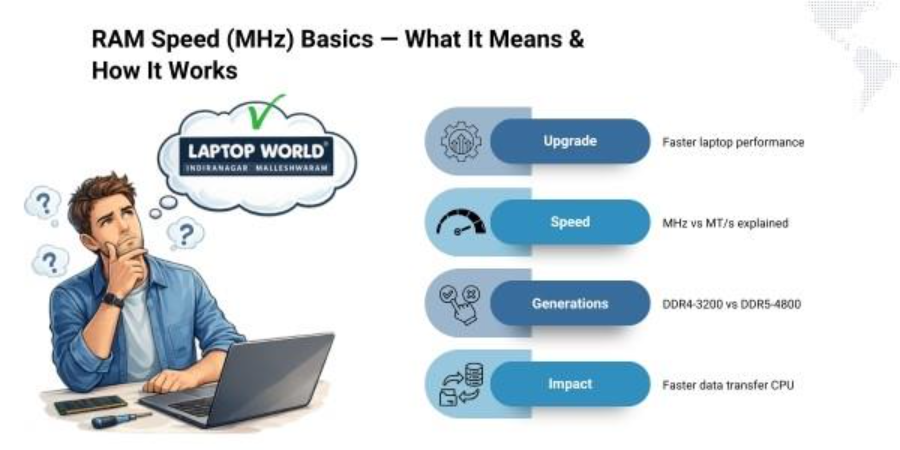
RAM speed, measured in megahertz (MHz), refers to how many cycles per second the memory can perform. In modern systems, you’ll commonly see speeds like:
- 2400 MHz
- 2666 MHz
- 3200 MHz
- 4800 MHz (DDR5)
Technically, the correct measurement used in modern memory is MT/s (megatransfers per second), but manufacturers still label it as MHz for simplicity.
For example:
- DDR4-3200 operates at 3200 MT/s
- DDR5-4800 operates at 4800 MT/s
Higher numbers mean faster data transfer between RAM and the CPU.
How RAM Speed Affects Performance
RAM acts as a bridge between the processor and storage. Faster RAM allows the CPU to access data more quickly.
Here’s where speed makes a noticeable difference:
1. Integrated Graphics Performance
If your laptop uses integrated graphics (like those found in processors from companies such as Intel or AMD), RAM speed significantly impacts graphics performance.
Integrated GPUs share system memory. Faster RAM improves:
- Gaming frame rates
- Video rendering
- 3D workloads
In some cases, upgrading from 2400 MHz to 3200 MHz can improve integrated graphics performance by 10-20%.
2. Content Creation and Heavy Multitasking
If you use:
- Video editing software
- 3D modeling tools
- Virtual machines
- Data processing applications
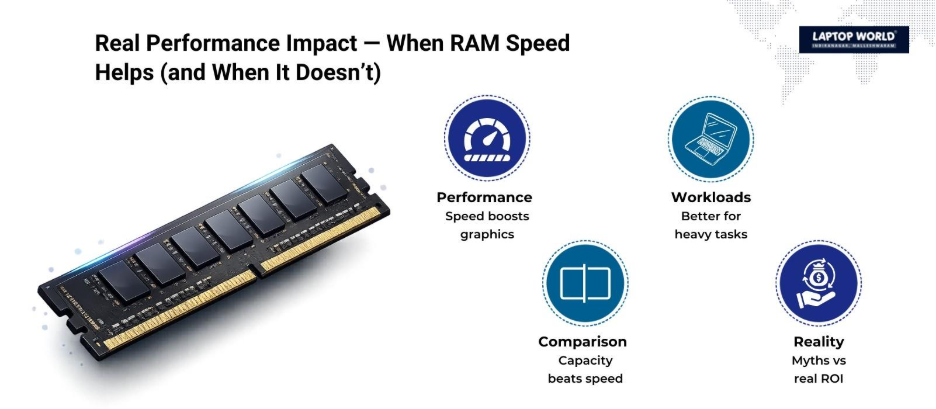
Higher RAM speed can reduce rendering times and improve responsiveness. However, the performance gain is often modest compared to increasing capacity.
3. Everyday Tasks
For web browsing, Office applications, streaming, and casual use, RAM speed differences are barely noticeable. In such cases, capacity matters more than speed.
In most real-world scenarios:
More RAM capacity delivers better performance gains than higher speed.
For example:
- Moving from 8GB to 16GB dramatically improves multitasking.
- Moving from 2666 MHz to 3200 MHz provides incremental improvements.
If your laptop frequently uses 90-100% memory, increasing capacity should be your first priority.
Does Your Laptop Even Support Higher RAM Speed?
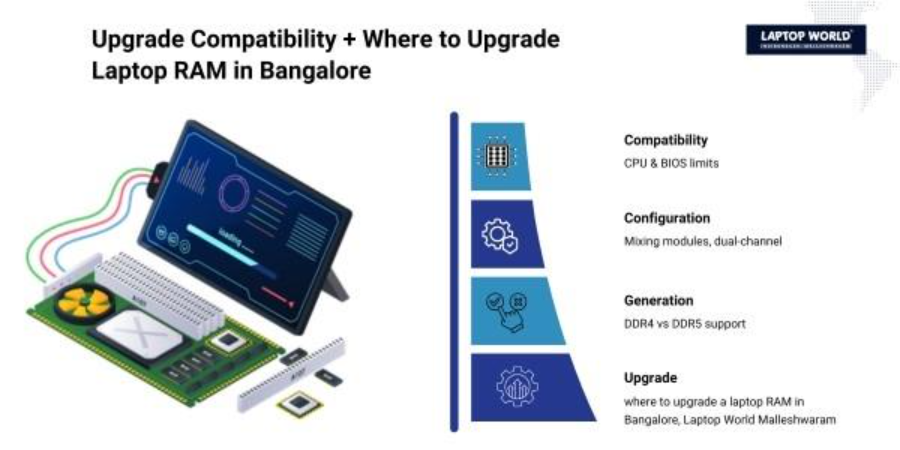
Before upgrading, check three things:
1. CPU Compatibility
Your processor determines the maximum supported RAM speed.
For example:
- Some 10th Gen Intel CPUs support up to 2666 MHz.
- Newer processors may support 3200 MHz or higher.
- DDR5 systems support higher base speeds like 4800 MHz.
Installing faster RAM than supported will not damage the laptop. The system will simply downclock it to the supported speed.
2. Motherboard Limitations
In laptops, RAM speed control is usually locked by the BIOS. Unlike custom desktop PCs, laptops rarely allow manual overclocking.
If your motherboard supports only 2666 MHz, installing 3200 MHz RAM won’t give you 3200 MHz performance.
3. Mixing RAM Modules
When mixing different RAM speeds:
- The system runs at the speed of the slowest module.
- Example: 2400 MHz + 3200 MHz = runs at 2400 MHz.
This is why professional installation is recommended, especially if you’re unsure about compatibility.
If you’re researching where to upgrade a laptop RAM in Bangalore, choose a store that checks:
- CPU generation
- Existing RAM specs
- Slot availability
- BIOS limitations
Dual Channel vs Single Channel: Often Overlooked
Many people focus on speed but ignore channel configuration.
Single-channel RAM: One memory module
Dual-channel RAM: Two identical modules working together
Dual-channel mode significantly improves:
- Integrated graphics performance
- Data transfer rates
- Overall system responsiveness
Sometimes, installing two 8GB sticks in dual channel provides better results than a single 16GB stick, even if the speed is slightly lower.
DDR4 vs DDR5: Does Generation Matter?
Modern laptops use either:
- DDR4 (common in 2017–2022 models)
- DDR5 (newer systems)
DDR5 offers:
- Higher base speeds
- Improved efficiency
- Better power management
However:
- DDR4 laptops cannot use DDR5 RAM.
- The memory type is physically different.
If you’re unsure, consult a professional service provider when deciding where to upgrade a laptop RAM in Bangalore, especially for newer generation devices.
Real-World Performance Comparison
Let’s break it down practically:
| Upgrade Type | Performance Impact |
| 8GB → 16GB | Major improvement |
| 2400 MHz → 3200 MHz | Moderate improvement |
| Single → Dual Channel | Noticeable improvement |
| HDD → SSD | Very major improvement |
If your laptop still uses an HDD, upgrading to an SSD will provide more noticeable speed gains than increasing RAM speed.
When Does RAM Speed Really Matter?
RAM speed matters most when:
- You use integrated graphics for gaming.
- You run memory-intensive professional applications.
- Your CPU supports higher speeds.
- You’re building a performance-focused system.
For standard office users and students, capacity and SSD upgrades usually provide better value.
Common Myths About RAM Speed
Myth 1: Higher MHz always means faster laptop
Not always. The CPU and motherboard limit performance.
Myth 2: Faster RAM damages older systems
Incorrect. It simply runs at supported speed.
Myth 3: Speed matters more than size
In most cases, capacity has a greater impact.
Why Professional Upgrade Matters
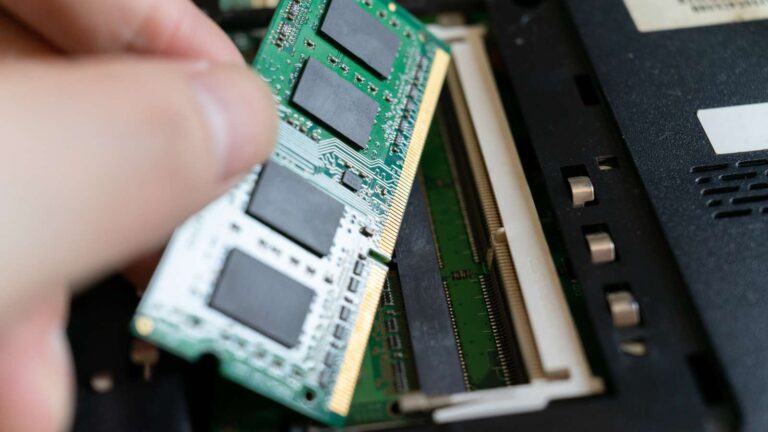
Laptop RAM upgrades are simple in theory but complicated in practice.
A professional technician will:
- Check BIOS limitations
- Match voltage and latency
- Install compatible modules
- Test system stability
If you’re searching online for where to upgrade a laptop RAM in Bangalore, look for:
- Authorised dealers like Laptop World
- Transparent pricing
- Genuine RAM brands
- Warranty support
Improper installation can lead to:
- Boot failures
- Random crashes
- Reduced performance
Final Thoughts: Does RAM Speed Matter?
Yes, but not in every situation.
RAM speed improves data transfer rates and benefits integrated graphics and heavy workloads. However, for most laptop users, upgrading RAM capacity and switching to SSD storage offer greater performance gains.
Before investing in higher MHz modules, verify:
- CPU support
- Motherboard limits
- Existing RAM configuration
If you’re actively looking for where to upgrade a laptop RAM in Bangalore, you can visit the Laptop World store in Malleshwaram. We evaluate your system thoroughly instead of simply selling higher-speed memory.
FAQs
1. What is a good RAM speed for laptops?
For DDR4 laptops, 2666 MHz or 3200 MHz is common. DDR5 laptops typically start at 4800 MHz.
2. Is 3200 MHz better than 2666 MHz?
Yes, but the difference is moderate unless you use integrated graphics or heavy applications.
3. Can I install faster RAM than supported?
Yes, but it will run at the maximum speed supported by your CPU.
4. Does RAM speed affect gaming?
Yes, especially in laptops using integrated graphics.
5. Should I upgrade RAM speed or capacity first?
Capacity first in most cases.