Why Your Laptop is Suddenly Running Slow: Hardware Bottlenecks vs. Software Bloat
A laptop that was perfectly responsive six months ago can suddenly feel painfully slow. Applications take longer to open, browser tabs hesitate, and even simple tasks like switching between windows start feeling sluggish. The obvious reaction is to blame an aging processor. But that is often the wrong diagnosis. Several interacting components influence laptop performance:…
A laptop that was perfectly responsive six months ago can suddenly feel painfully slow. Applications take longer to open, browser tabs hesitate, and even simple tasks like switching between windows start feeling sluggish.
The obvious reaction is to blame an aging processor. But that is often the wrong diagnosis.
Several interacting components influence laptop performance: CPU, RAM, storage, cooling, operating system processes, drivers, applications, and available disk space. Therefore, a software problem can sometimes look like failing hardware, while an actual hardware bottleneck can be mistaken for “too many programs.”
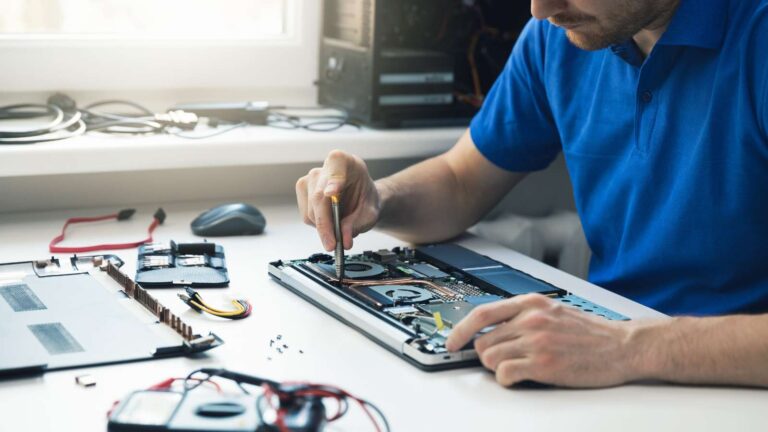
Knowing the difference can save you from spending money on an unnecessary upgrade. If you are looking for a laptop repair shop near Malleshwaram, the first step should be diagnosis.
Start With the Symptom, Not the Solution
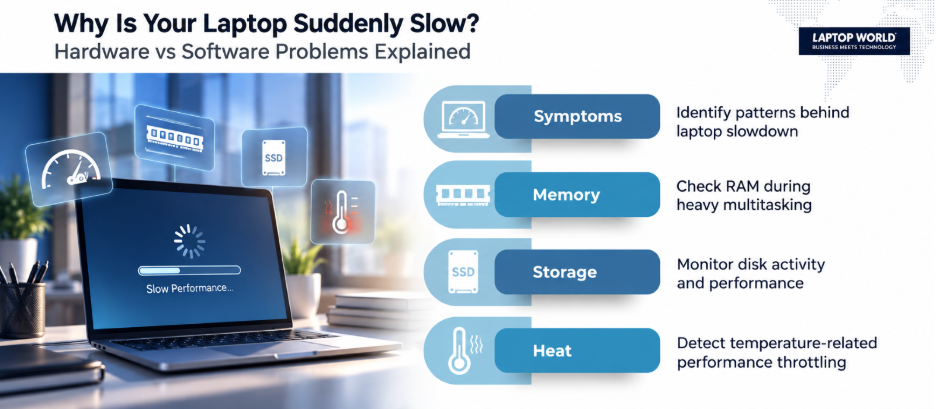
The pattern of slowdown provides useful clues.
- If the laptop takes a long time to boot but becomes reasonably responsive afterward, startup applications, storage performance, or the operating system may be the problem.
- If everything becomes sluggish when several applications are open, RAM pressure is worth investigating.
- If performance drops after 10-20 minutes of demanding work and the fans become noticeably louder, thermal throttling could be involved.
- And if the laptop freezes, crashes, or repeatedly reports storage errors, the storage device itself may require attention.
This distinction matters because “slow laptop” isn’t a diagnosis. It is a symptom.
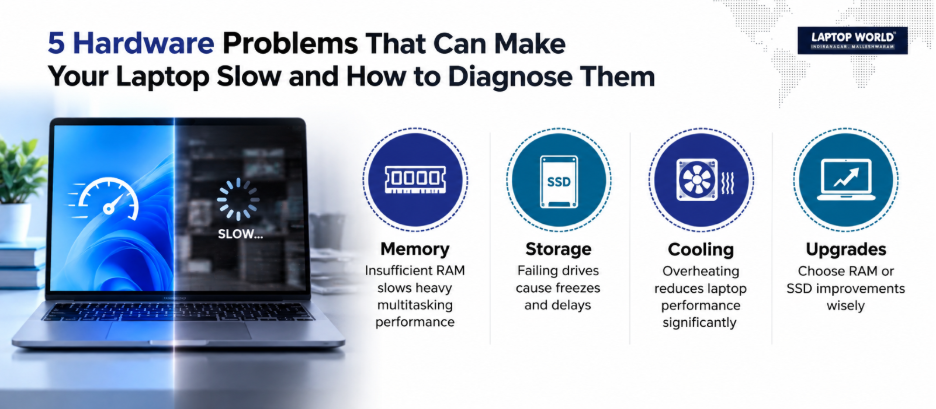
Hardware Bottleneck #1: RAM
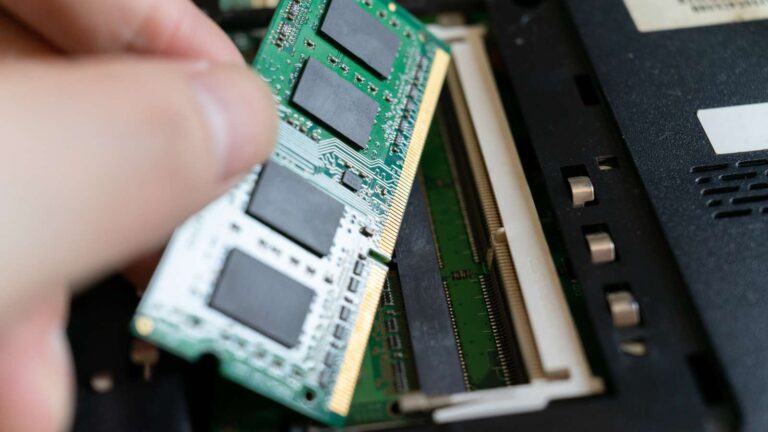
RAM determines how much data and how many active programs your system can keep readily available for immediate use.
When available RAM becomes insufficient for your workload, the operating system can rely more heavily on storage for memory management. Because storage is generally slower than RAM, the result can feel like severe system lag.
Typical signs include:
- Sluggishness when many browser tabs are open
- Delays when switching between applications
- Noticeable slowdown during video editing or large spreadsheets
- Applications becoming less responsive during multitasking
- High memory usage visible in Task Manager or Activity Monitor
However, more RAM isn’t automatically the answer.
If your system rarely approaches its available memory, upgrading RAM may produce little noticeable improvement. The right approach is to examine actual memory usage first.
Hardware Bottleneck #2: Slow or Failing Storage
Storage has a major effect on how responsive a laptop feels.
Older laptops equipped with mechanical HDDs can feel a lot slower than systems using SSDs. An SSD uses flash memory rather than spinning magnetic platters. This eliminates mechanical seek time and substantially improves everyday responsiveness.
But there is an important distinction between slow storage and failing storage.
A consistently slow HDD may simply be an older technology. But a drive that is developing errors can produce more serious symptoms, including:
- Frequent freezing
- File corruption
- Application crashes
- Extremely slow file operations
- Boot problems
- Unusual clicking sounds from a mechanical HDD
If a drive is showing signs of failure, back up important data before attempting major troubleshooting.
Hardware Bottleneck #3: Thermal Throttling
Your processor cannot simply run at maximum performance indefinitely.
Modern CPUs dynamically adjust their operating frequency based on workload, power limits, temperature, and other factors. When temperatures become too high, the system can reduce performance to control heat.
This is called thermal throttling.
You might notice the laptop performs normally initially, then slows down as the workload continues. At the same time, the cooling fan runs aggressively.
This is one situation where repeatedly closing applications may not solve the underlying problem.
Software Bloat: The Invisible Performance Drain
Not every slow laptop needs a hardware upgrade.
Software accumulation can gradually increase the amount of work your system performs in the background. Therefore, consider everything installed over several years:
- Startup applications
- Cloud-storage clients
- Browser extensions
- Update utilities
- Third-party security software
- Manufacturer utilities
- Background synchronization services
- Programs you installed once and forgot about
Some applications launch automatically with Windows and continue running even when you aren’t actively using them.
The result isn’t necessarily catastrophic. Instead, your laptop may lose responsiveness.
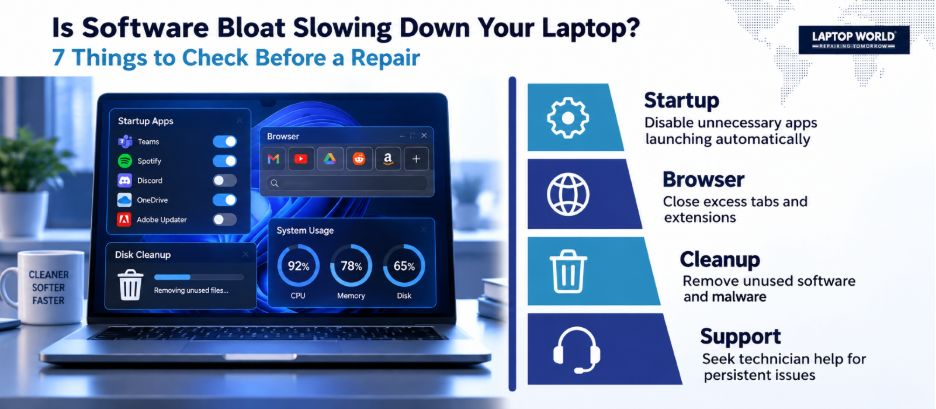
Check Startup Programs
Windows users can open Task Manager → Startup apps and examine which applications launch automatically.
Don’t disable everything indiscriminately.
Some startup components are necessary for specific hardware or software functions. The goal is to reduce unnecessary startup activity, not to turn off system components blindly.
Browser Bloat Is Real Too
For many people, the browser is effectively their most-used application. However, dozens of open tabs, extensions, web applications, background synchronization, and memory-heavy websites can consume substantial system resources.
If your laptop becomes slow primarily while browsing, test the browser before blaming the hardware.
Try:
- Closing unnecessary tabs.
- Temporarily disabling extensions.
- Checking the browser’s built-in task manager.
- Testing another browser.
- Restarting the browser after prolonged sessions.
If performance improves after doing this, replacing the laptop may be completely unnecessary.
Malware and Unwanted Software
Malware can also produce unexplained performance problems.
Therefore, suspicious background activity, unexpected applications, browser redirects, excessive CPU usage, or unusual network activity should not be ignored.
Run a reputable security scan and keep the operating system and security software updated.
The Five-Minute Diagnosis
Before visiting a laptop repair shop near Malleshwaram, look at:
- CPU: Is one process consuming an unusually large amount of processing capacity?
- Memory: Is RAM consistently near capacity during your normal workload?
- Disk: Is storage activity constantly high?
- Temperature: Does performance deteriorate as the machine gets hotter?
- Startup: Are multiple unnecessary programs launching automatically?
It gives the technician a starting point.
When an Upgrade Makes More Sense Than a Repair
Sometimes the hardware is functioning correctly but no longer matches your workload. In such cases, a RAM or storage upgrade can be more appropriate.
However, the important question is not “Can I upgrade something?”
It is:
“Which component is actually limiting my workload?”
When Professional Diagnosis Is Worth It
Consider getting the laptop checked if you experience:
- Repeated crashes or unexpected shutdowns
- Persistent overheating
- Storage errors
- Extremely slow booting
- Sudden performance degradation
- Physical damage
- Fan problems
- Problems that continue after software cleanup
A good diagnosis should identify the underlying cause before recommending a replacement.
The Bottom Line
A suddenly slow laptop isn’t automatically a sign that the processor has reached the end of its life.
The real culprit could be any of the problems listed above. Therefore, the smartest approach is to measure first and replace second. Laptop World can help you identify whether the right answer is repair, maintenance, or an upgrade. Visit our store for further assistance!
FAQs
1. Why does my laptop suddenly become slow?
Common causes include excessive background processes, insufficient RAM, storage problems, overheating, malware, operating-system issues, or a workload that exceeds the laptop’s capabilities.
2. Can too many startup programs slow down a laptop?
Yes. Applications that automatically launch can consume CPU, RAM, storage, and other resources, particularly immediately after startup.
3. Does upgrading RAM make a laptop faster?
It can improve responsiveness when the laptop regularly runs out of available memory. If RAM isn’t the limiting factor, the improvement may be small.
4. Is an SSD faster than an HDD?
Generally, yes. SSDs have much lower access latency and no moving mechanical parts, which can make booting, application launches, and many file operations considerably more responsive.
5. Can overheating make a laptop slow?
Yes. When processor temperatures become too high, the system can reduce operating performance to manage heat.