From Battery Issues to Screen Repairs: Everything You Need to Know About Dell Laptop Service in Bangalore
Get reliable Dell laptop service Bangalore for repairs, upgrades, and support. Expert technicians offering fast and efficient solutions. Contact us today!
Dell laptops are known for their performance, durability, and sleek design. Whether you’re using a Dell Inspiron for college assignments, a Latitude for office tasks, or an XPS for creative projects, you expect it to keep up with your demands. However, like all devices, Dell laptops may occasionally experience issues such as battery problems, screen damage, keyboard malfunctions, or overheating. This is where the Dell laptop service in Bangalore shines.
In this guide, we’ll walk you through the most common problems Dell laptop users face, what causes them, and how Dell laptop service in Bangalore helps resolve them efficiently. Additionally, we’ll cover tips to help you prolong your laptop’s life and provide guidance on selecting the right service centre.
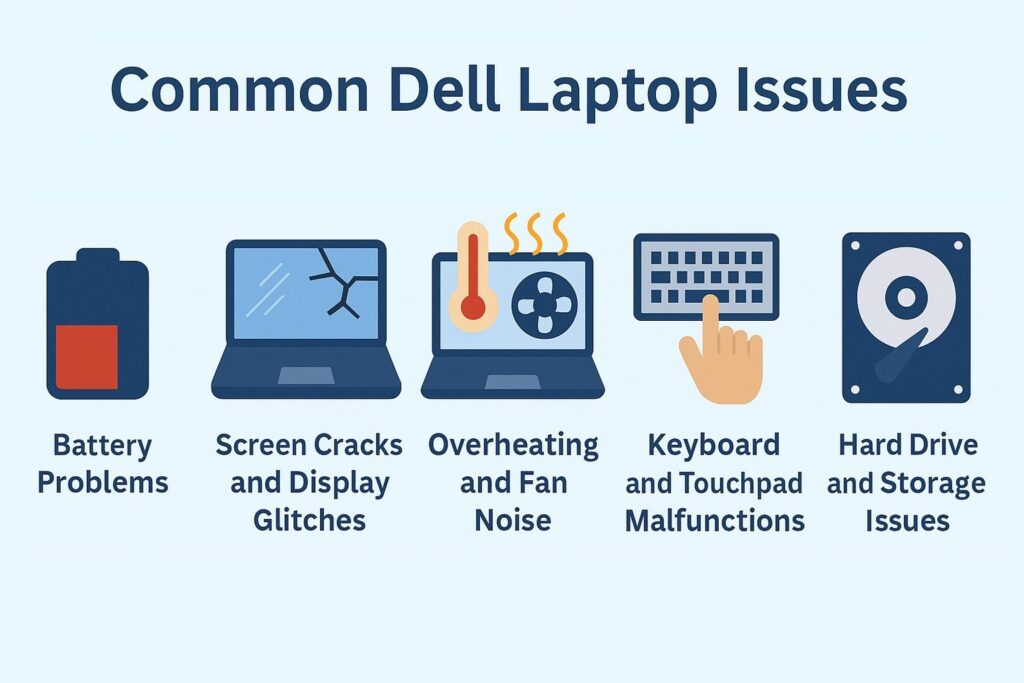
Common Dell Laptop Issues (And What Causes Them)
1. Battery Problems
Battery not charging? Or draining too quickly?
Over time, all laptop batteries lose capacity. This usually becomes noticeable after 18–24 months of regular use. A few signs include:
- The battery percentage dropping suddenly.
- “Plugged in, not charging” message.
- The laptop only works when plugged in.
Why it happens
- Normal wear and tear.
- Using non-genuine chargers.
- Excessive heat.
- Faulty charging ports.
How Dell laptop service in Bangalore helps
Dell-certified technicians can run diagnostic tools, check for BIOS updates, and replace the battery with an original part if needed.
2. Screen Cracks and Display Glitches
Whether it’s a cracked screen from an accidental fall or weird lines flashing during startup, screen issues can be frustrating. Common display issues include:
- Black or flickering screen.
- Touchscreen not working.
- Lines, dead pixels, or colour patches.
Possible causes
- Physical damage.
- Graphics card or driver malfunction.
- Loose internal connections.
Dell laptop service solution
Technicians inspect both hardware (LCD/LED panel) and software (drivers, GPU health). Replacements are done using original Dell parts, and sometimes, just a connector adjustment solves the issue.
3. Overheating and Fan Noise
Laptops getting hot during use isn’t unusual, but consistent overheating can impact performance and longevity.
What you might notice
- Fan running loudly.
- System slowing down.
- Unexpected shutdowns.
Why it happens
- Dust accumulation in vents.
- Thermal paste drying up.
- Background apps consuming resources.
How service centres tackle it
Dell laptop service includes thermal diagnostics, internal cleaning, fan replacement, and reapplying thermal paste to prevent further heating issues.
4. Keyboard and Touchpad Malfunctions
A stuck key or an unresponsive touchpad can interrupt work and increase frustration.
Symptoms
- Certain keys not working.
- Ghost typing.
- Touchpad gestures not functioning.
Possible causes
- Dust under keys.
- Spills or moisture.
- Driver issues.
Solution from Dell laptop service in Bangalore
Cleaning, reinstalling the driver, or replacing the keyboard panel can resolve this issue. In the case of spills, internal inspection is critical to prevent motherboard damage.
5. Hard Drive and Storage Issues
Sluggish performance and long boot times may signal problems with your laptop’s storage.
Warning signs
- Clicking sounds from inside.
- Frequent crashes.
- “No Boot Device Found” message.
Likely causes
- Mechanical wear (HDDs).
- Corrupted files or OS.
- Malware.
How service centres address this
Dell service experts run disk checks, back up data (if possible), and replace failing drives with SSDs or HDDs, depending on your model and preferences.
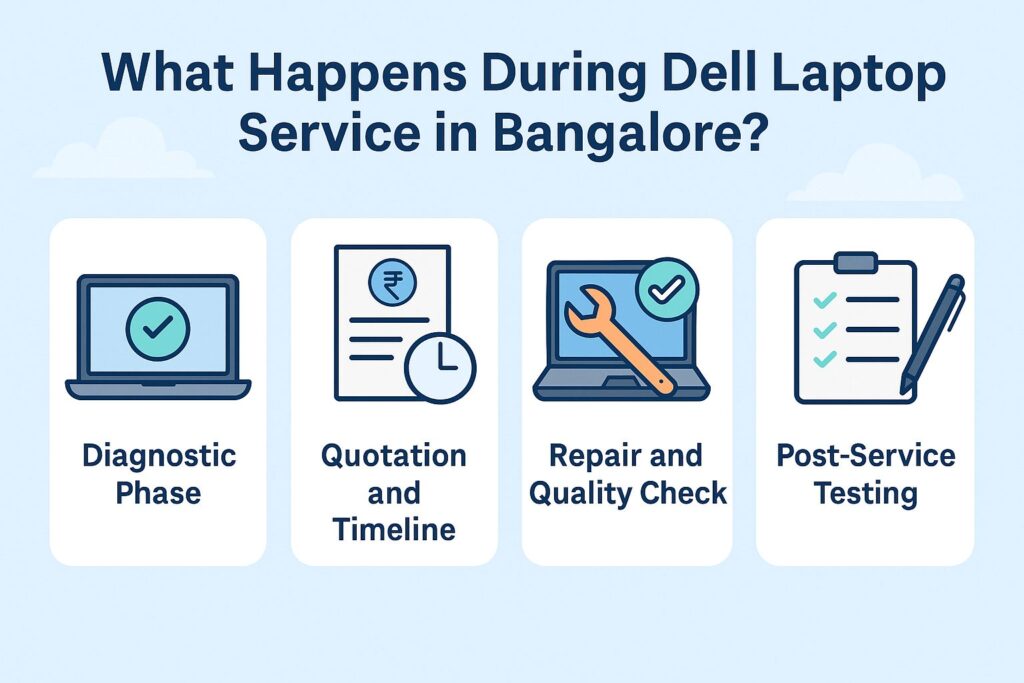
What Happens During Dell Laptop Service in Bangalore?
If you’ve never visited a service centre, here’s what to expect during a typical service experience:
1. Diagnostic Phase
Dell’s diagnostic tools quickly identify hardware and software issues. Technicians may use tools like Dell SupportAssist or run in-depth checks from the BIOS level.
2. Quotation and Timeline
You’ll get a clear overview of:
- What went wrong.
- Which parts need repair or replacement.
- Cost of service and parts.
- Estimated repair time.
3. Repair and Quality Check
Certified engineers work on your device using original Dell spare parts. After repairs, a multi-point quality check is performed to verify all components are functioning correctly.
4. Post-Service Testing
Technicians check battery cycles, fan speeds, screen resolution, and boot speed. Only after passing these tests is your laptop returned to you.
Dell Laptop Warranty: What’s Covered?
Dell laptops usually come with a 1–3 year limited warranty. Depending on your plan, Dell might cover:
- Hardware failure.
- Manufacturing defects.
- On-site service (for certain models).
But accidental damage—like spills, cracked screens, or third-party tampering—isn’t included in standard warranties. That’s where paid service or Dell’s extended protection plans (like Dell Complete Care) come in handy.
Always check your laptop’s warranty status online through Dell’s support portal using your Service Tag.
How to Pick the Right Dell Laptop Service Centre
Choosing a reliable service provider is as important as fixing the issue itself. Here’s what to look for:
- Authorized Status: Always go to an authorized Dell service centre like Laptop World to get genuine parts and expert technicians.
- Turnaround Time: Ask about repair timelines—some issues are resolved same-day, while others may take 2–5 business days.
- Customer Reviews: Check Google or JustDial reviews for real-world service feedback.
Tips to Extend Your Dell Laptop’s Life
Your Dell laptop can last years with proper care. Here are a few simple habits that can keep it running longer:
- Charge Smartly: Don’t always keep your laptop plugged in. Let the battery discharge and recharge periodically.
- Keep It Clean: Dust inside vents and under keys causes overheating and malfunctions. Use a blower or visit a service centre for internal cleaning once a year.
- Update Regularly: Install BIOS, driver, and OS updates on time. Dell SupportAssist can automate this.
- Avoid Extreme Temperatures: Heat and cold can damage internal circuits and battery life.
- Use a Good Bag: Invest in a padded laptop sleeve or backpack to protect your laptop from bumps and drops.
Final Thoughts
Timely repairs by certified technicians not only restore your laptop’s performance but also extend its lifespan. Whether it’s a battery replacement, screen repair, or advanced motherboard work, a proper Dell laptop service in Bangalore is better than risking DIY damage or using non-genuine parts.
Need help with your Dell laptop? Visit Laptop World and let the experts take over.
FAQs
1. Where can I find Dell laptop service in Bangalore?
You can find authorized Dell laptop service centre across Bangalore in areas like Indiranagar, Malleshwaram, etc. Simply visit Dell’s official website or call their customer support for the nearest service centre.
2. Can Dell laptop service in Bangalore fix software issues?
Yes, Dell laptop service centres in Bangalore can resolve software-related problems such as OS crashes, virus removal, driver updates, and system optimization to improve your laptop’s performance.
3. How do I know if I need Dell laptop service in Bangalore?
If your Dell laptop experiences frequent crashes, slow performance, charging issues, or physical damage, such as a cracked screen, it’s time to visit a Dell laptop service in Bangalore for a thorough inspection and repair.
4. Is Dell laptop service in Bangalore expensive?
The cost of Dell laptop service in Bangalore depends on the type of repair needed. Common repairs such as battery replacement or keyboard issues are affordable, but major fixes like motherboard replacement might cost more. It’s always best to ask for a quote upfront.