Is a Laptop RAM Upgrade Still Worth It in 2026? Performance Tests & Real Results
A few years ago, a laptop RAM upgrade was the easiest answer to almost every performance problem. Laptop slowing down? Add more RAM. Too many browser tabs crashing? Upgrade the memory. Games stuttering? More RAM usually helped. But in 2026, things are more complicated. Modern laptops now ship with faster SSDs, AI-powered processors, integrated NPUs, and in many…
A few years ago, a laptop RAM upgrade was the easiest answer to almost every performance problem. Laptop slowing down? Add more RAM. Too many browser tabs crashing? Upgrade the memory. Games stuttering? More RAM usually helped.
But in 2026, things are more complicated.
Modern laptops now ship with faster SSDs, AI-powered processors, integrated NPUs, and in many cases, soldered memory that cannot even be upgraded. At the same time, Windows 11, Chrome, creative software, and modern games consume more memory than ever before. Even casual multitasking can push a system past its limits.
So the real question is not “Does RAM matter?”
It is: Does a laptop RAM upgrade still deliver meaningful real-world performance gains in 2026?
Why RAM Still Matters in 2026
RAM acts as your laptop’s short-term working memory. Every active app, browser tab, game asset, background service, and AI process depends on it.
When your system runs out of available RAM, it starts using storage as virtual memory. Even fast NVMe SSDs are dramatically slower than RAM, which leads to:
- Lag while multitasking
- Browser slowdowns
- App freezing
- Stutters in games
- Longer export and rendering times
Modern workloads are heavier than they were just three years ago.
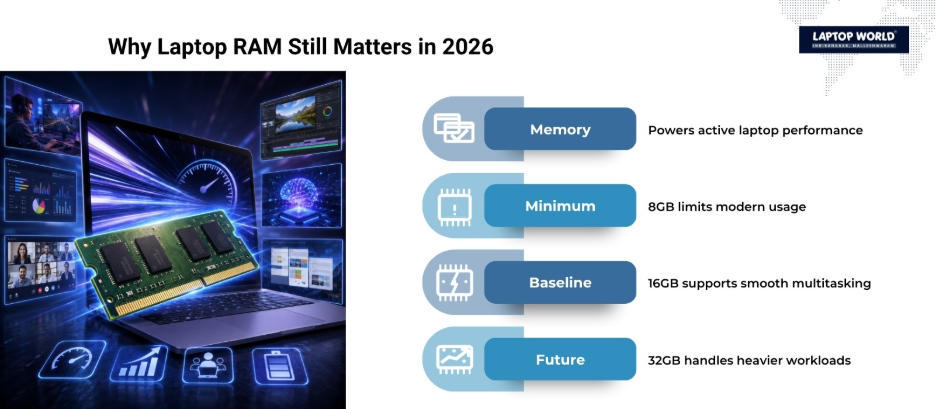
Today, 8GB RAM is now considered the bare minimum for Windows laptops in 2026, especially with AI-assisted features becoming standard across new systems.
For many users, 16GB has become the practical baseline, while 32GB is increasingly recommended for gaming, editing, and professional multitasking.
The Biggest Problem: Many Laptops Cannot Be Upgraded
Before discussing performance, there is one major reality check.
A large number of modern ultrabooks now use soldered LPDDR5 or LPDDR5X memory. That means the RAM is permanently attached to the motherboard. No upgrade slot. No replacement option.
Thin laptops prioritize battery life, compactness, and thermal efficiency over repairability. According to recent compatibility guides, many premium ultrabooks and MacBooks now come with fully soldered memory configurations.
Typically, upgradeable laptops in 2026 include:
- Gaming laptops
- Workstation laptops
- Older business laptops
- Some enterprise ThinkPads and Dell Latitude systems
Meanwhile, ultra-thin premium laptops often lock users into their original RAM configuration forever.
That means buyers now need to think about memory needs before purchasing a laptop.
Real-World Performance Tests
So what happens when you actually perform a laptop RAM upgrade in 2026?
The results depend heavily on the workload.
Test Scenario 1: Everyday Multitasking
Configuration Upgrade:
8GB DDR4 → 16GB DDR4
Usage Pattern:
- 25 Chrome tabs
- Spotify
- Zoom
- Excel
- Slack
- Background Windows processes
Result
This is where RAM upgrades still feel transformative.
An 8GB system frequently hits memory limits and cause:
- Browser reloads
- UI lag
- Slower app switching
- Occasional freezing during meetings
After upgrading to 16GB:
- Multitasking became smoother
- Chrome stopped aggressively unloading tabs
- App switching felt instant
- Background apps stayed responsive
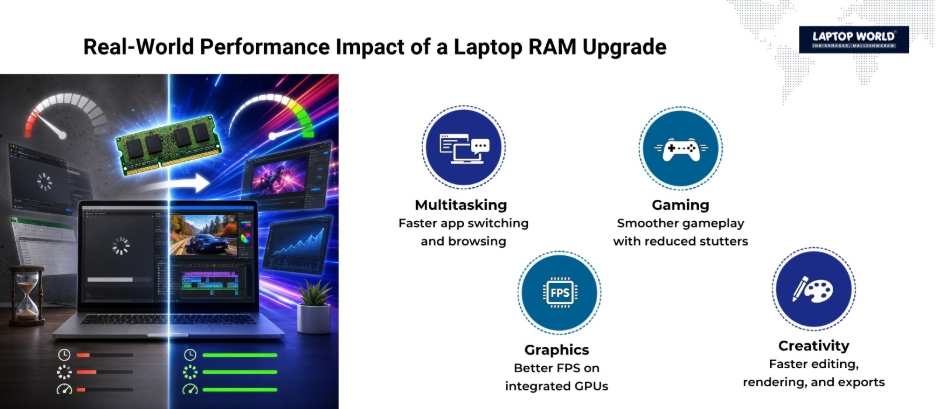
For office users, students, and remote workers, this remains the most noticeable benefit of a laptop RAM upgrade.
Test Scenario 2: Gaming Performance
Configuration Upgrade:
16GB DDR4 → 32GB DDR5
Games Tested:
- Cyberpunk 2077
- Call of Duty MW3
- Fortnite
- CS2
- Starfield
Recent benchmark testing shows most modern games only gain around 3-10% FPS improvement from faster RAM alone when using dedicated graphics cards. In many GPU-bound games, the difference can be even smaller. However, memory-sensitive titles and CPU-limited scenarios can show noticeably larger gains.
What Improved
- Reduced frame-time spikes
- Fewer background stutters
- Better performance while multitasking during gaming
- Faster loading of large textures
Competitive games like CS2 showed larger gains because they are more memory-sensitive. Likewise, Cyberpunk 2077 and Starfield generally benefit more in frame consistency and loading behavior than in raw FPS numbers.
Therefore, if your laptop already has 16GB RAM and a strong GPU, a RAM upgrade alone will not suddenly transform gaming performance. But if you are gaming on integrated graphics, faster memory matters significantly more.
Integrated Graphics Laptops Benefit the Most
This is where RAM upgrades become surprisingly valuable.
Integrated GPUs share system memory with the processor. Faster and larger RAM directly affects graphics performance.
Recent tests showed integrated graphics systems gaining:
- 30-50% higher FPS in some games
- Better stability at 1080p
- Improved texture streaming and responsiveness
For example:
- GTA V performance jumped dramatically
- Valorant and Fortnite became much smoother
- Cyberpunk became more playable on low settings
If you use a Ryzen laptop without a dedicated GPU, upgrading RAM — especially moving from single-channel to dual-channel memory — can produce major improvements.
Creative Workloads See Strong Gains
Content creators still benefit heavily from RAM upgrades.
Tested Workloads
- Adobe Premiere Pro
- Photoshop
- Blender
- Large Excel datasets
- Virtual machines
Recent benchmark comparisons found:
- 10-20% faster rendering and exports
- Faster compression tasks
- Improved multitasking while editing large files
For creators in 2026:
- 16GB = workable minimum
- 32GB = comfortable
- 64GB = ideal for high-end workflows
DDR4 vs DDR5: Does It Really Matter?
This debate dominates hardware discussions in 2026.
DDR5 is clearly faster on paper:
- Higher bandwidth
- Better efficiency
- Improved scalability
- Better support for AI workloads
But real-world performance differences are smaller than marketing suggests.
For general users:
- Web browsing feels almost identical
- Office apps show minimal difference
- Media consumption changes very little
For advanced workloads:
- Compression improves noticeably
- Rendering benefits more
- Integrated graphics gain the most
Community discussions also show many users are still satisfied with DDR4 systems for gaming and productivity.
So, Is a Laptop RAM Upgrade Worth It in 2026?
Yes — if you currently have:
- 8GB RAM
- Frequent slowdowns
- Heavy browser usage
- Creative workloads
- Integrated graphics gaming
- Virtual machines
- Multitasking-heavy workflows
Probably not — if you already have:
- 16GB or 32GB RAM
- A fast SSD
- A powerful CPU/GPU
- Mostly light daily workloads
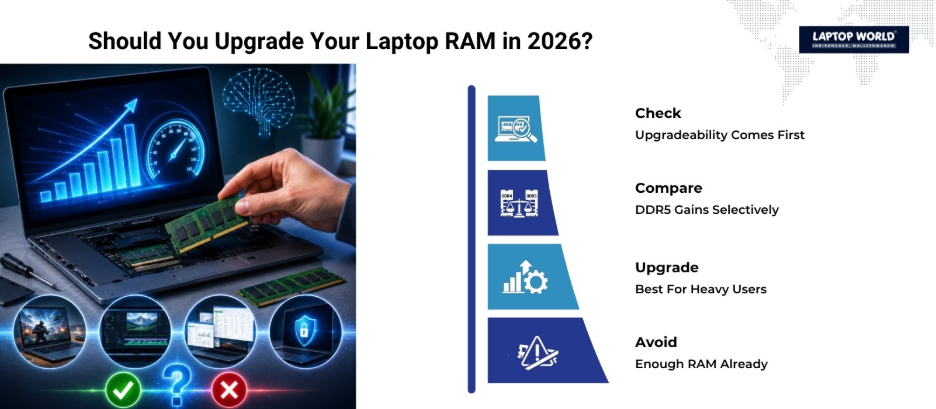
In many modern systems, storage speed and processor efficiency now affect responsiveness more than RAM upgrades alone.
Final Verdict
A laptop RAM upgrade is still one of the best value upgrades in 2026 — but only when your system actually suffers from memory limitations.
If your laptop constantly swaps memory, freezes under multitasking, or struggles with modern applications, upgrading RAM can make the machine feel dramatically faster.
But if you already own a balanced system with enough memory, adding more RAM may produce only modest gains. The real shift is that laptop buyers now need to think about RAM earlier, because many modern laptops cannot be upgraded later.
At Laptop World, we help users choose the right laptop RAM upgrade based on real performance needs. Visit our store in Malleshwaram today!
About Laptop World
With 20 years of experience in Retail, Laptop World is Bangalore’s oldest multi-brand laptop store, offering a personalized customer experience. We are unbiased towards any particular brand, dealing with top names like HP, Lenovo, Dell, Asus, and Apple. Our commitment to excellent customer service sets us apart.
For businesses, our corporate division, Nurture IT, provides comprehensive IT solutions tailored for startups, ensuring all your IT needs are met in one place. From laptops to networking, servers, Information Security, End User Protection – we have you covered.
FAQs
1. Is a laptop RAM upgrade worth it in 2026?
Yes, especially if your laptop has 8GB RAM or struggles with multitasking, gaming, or creative applications. Upgrading RAM can significantly improve responsiveness and reduce slowdowns.
2. Can every laptop RAM upgrade be done easily?
No. Many modern ultrabooks and thin laptops use soldered RAM that cannot be upgraded. Always check your laptop specifications before purchasing memory.
3. Does increasing RAM improve gaming FPS?
It can, but the improvement depends on the game and system configuration. Integrated graphics laptops usually benefit more than systems with dedicated GPUs.
4. Is DDR5 RAM much faster than DDR4 for laptops?
DDR5 offers higher bandwidth and efficiency, but real-world performance gains for normal users are often moderate. Capacity upgrades usually matter more than RAM generation.
5. Will upgrading RAM make my laptop faster overall?
If your laptop frequently runs out of memory, yes. You may notice smoother multitasking, faster app switching, fewer freezes, and better overall responsiveness.