SSD Upgrade vs Buying a New Laptop: Which One Makes More Sense in 2026?
If your laptop has started feeling slow in 2026, you’re not alone. Rising software demands, heavier browsers, AI-powered applications, and larger operating system updates are pushing older machines harder than ever. But before spending a large amount on a replacement device, many users are asking an important question: Should I go for a laptop SSD upgrade or buy a completely new…
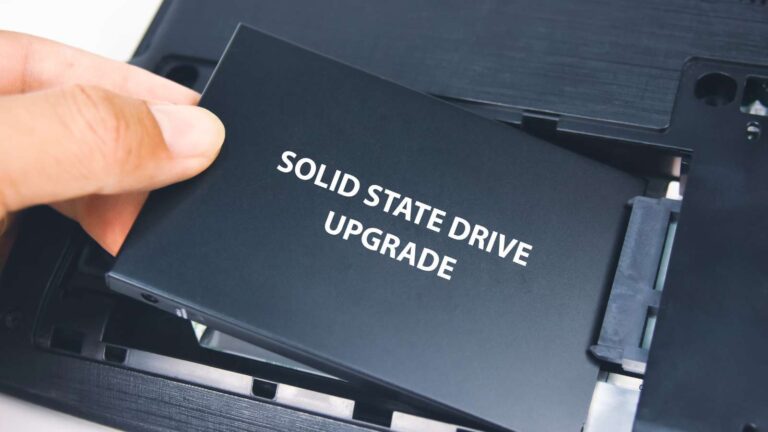
If your laptop has started feeling slow in 2026, you’re not alone. Rising software demands, heavier browsers, AI-powered applications, and larger operating system updates are pushing older machines harder than ever. But before spending a large amount on a replacement device, many users are asking an important question: Should I go for a laptop SSD upgrade or buy a completely new laptop?
In many cases, replacing an aging hard drive or older SSD with a modern NVMe SSD can significantly improve performance at a fraction of the cost. At the same time, newer laptops offer better displays, improved battery life, AI-ready hardware, and upgraded connectivity that older systems simply cannot match.
In this guide, we break down the costs, performance gains, limitations, and long-term value of both options so you can decide what makes more sense in 2026.
Why SSD Upgrades Are Trending in 2026
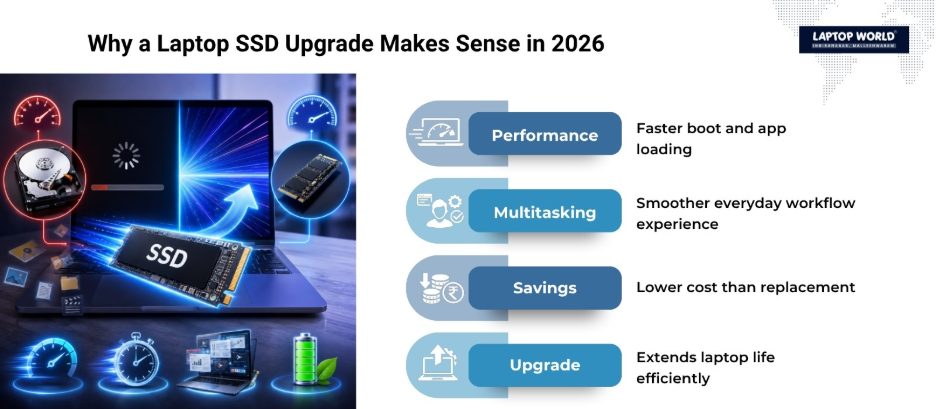
The popularity of the laptop SSD upgrade trend has grown sharply in 2026 for several reasons:
- SSD prices remain volatile due to NAND flash and memory supply pressure tied to AI infrastructure demand.
- New laptops have become more expensive compared to previous years.
- Many users discovered that slow performance often comes from storage bottlenecks rather than weak processors.
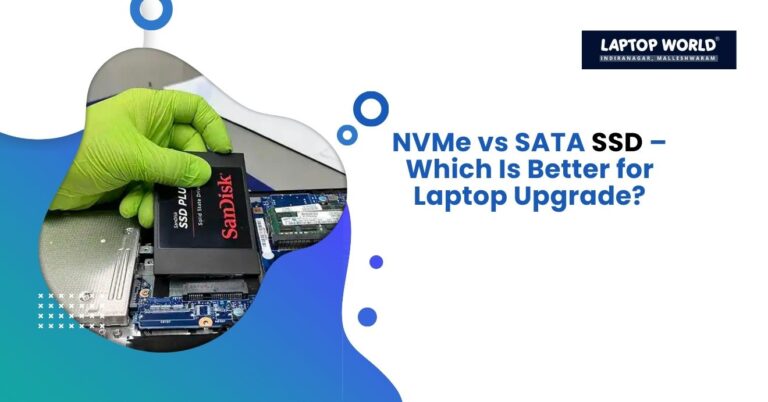
- Modern NVMe SSDs deliver huge performance gains compared to SATA SSDs or HDDs.
- Consumers are keeping laptops longer due to economic uncertainty and rising hardware prices.
A laptop that takes several minutes to boot can often become highly responsive again after a storage upgrade.
What Does a Laptop SSD Upgrade Actually Improve?
A laptop SSD upgrade mainly improves storage speed, responsiveness, and multitasking efficiency. It does not magically transform an outdated processor into a modern high-performance chip, but it can remove major slowdowns caused by old storage.
Performance Improvements You Can Expect
Faster Boot Times
Modern NVMe SSDs can boot Windows in seconds compared to older HDD-based systems.
Faster Application Loading
Programs like Photoshop, Chrome, Visual Studio, and video editing software open much faster.
Better Multitasking
When your system relies heavily on virtual memory, faster SSD speeds reduce lag during multitasking.
Improved File Transfers
Large files move significantly faster on PCIe Gen 4 and Gen 5 SSDs.
Smoother Everyday Usage
The entire laptop feels more responsive because the operating system can access data more quickly.
Modern PCIe Gen 5 SSDs can reach sequential speeds above 14 GB/s, far beyond traditional SATA SSDs.
SSD Upgrade vs New Laptop: Quick Comparison
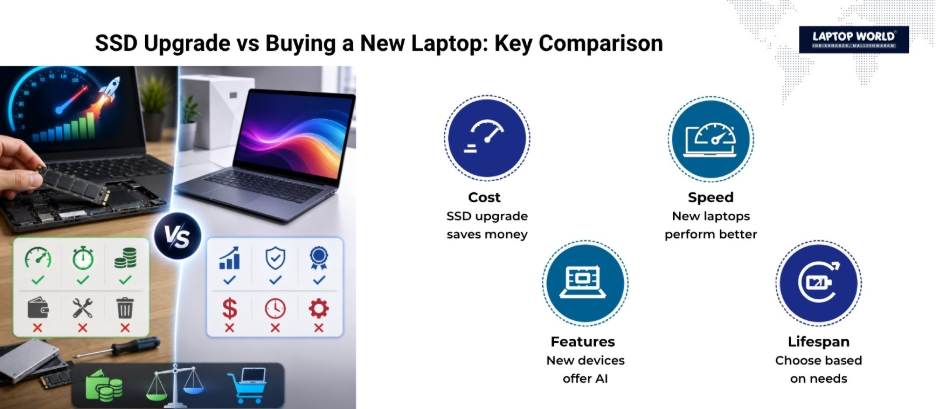
| Factor | Laptop SSD Upgrade | Buying a New Laptop |
| Cost | Much lower | Significantly higher |
| Performance Boost | Moderate to major | Major overall improvement |
| Gaming Improvement | Limited unless storage bottleneck exists | Much better with newer GPU |
| Battery Life | Slight improvement possible | Major improvement |
| AI Features | Usually unavailable | Available in AI PCs |
| Display Quality | No improvement | Big improvement possible |
| Port Upgrades | No change | Latest USB4, Thunderbolt 5, Wi-Fi 7 |
| Sustainability | Extends device life | Creates more e-waste |
| Lifespan Extension | 2–4 years possible | 5–7 years possible |
| Best For | Budget users, office work, students | Creators, gamers, professionals |
When a Laptop SSD Upgrade Makes More Sense
A laptop SSD upgrade is often the smarter decision when your processor is still reasonably modern.
If your laptop has:
- Intel 10th Gen or newer
- Ryzen 4000 series or newer
- At least 8GB RAM
- Decent battery health
then an SSD upgrade can still provide excellent value.
Many users report extending laptop life by several years after upgrading storage and RAM instead of replacing the entire system.
Your Laptop Uses an HDD
This is the easiest upgrade recommendation in 2026.
Moving from an HDD to an NVMe SSD can completely transform system responsiveness.
Your Workload Is Light or Moderate
SSD upgrades work especially well for:
- Office work
- Web browsing
- Online classes
- Programming
- Content writing
- Media streaming
- Basic photo editing
You Want to Save Money
This is one of the biggest reasons behind the 2026 upgrade trend.
A quality NVMe SSD upgrade often costs far less than buying a new laptop. Meanwhile, laptop prices are increasing because of rising memory and storage costs.
When Buying a New Laptop Makes More Sense
Sometimes, no amount of upgrading can solve deeper hardware limitations.
Your Laptop Cannot Run Windows 11 Properly
If your system lacks official Windows 11 support, buying a newer laptop is usually the safer long-term option.
Your Laptop Has Soldered Storage
Many ultrabooks now feature soldered SSDs that cannot be upgraded.
Your Battery Is Severely Degraded
A failing battery combined with poor thermals and outdated hardware often makes replacement more practical.
You Need Better Graphics Performance
A storage upgrade will not substantially improve gaming FPS or GPU-heavy creative workloads.
If you work with:
- 4K video editing
- 3D rendering
- AI workloads
- modern AAA gaming
a newer laptop may provide much better value.
You Want AI PC Features
2026 laptops increasingly include dedicated NPUs (Neural Processing Units) for local AI processing. Older laptops cannot fully replicate these features.
Your Repair Costs Are Too High
A common rule in the repair industry is the “50% Rule”:
If repairs exceed half the cost of a new laptop, replacement usually makes more sense.
The Sustainability Factor
A laptop SSD upgrade is also the more environmentally responsible choice.
Extending the life of an existing laptop:
- reduces electronic waste
- lowers manufacturing demand
- cuts carbon emissions tied to hardware production
This sustainability angle has become increasingly important as consumers move away from frequent upgrade cycles.
What Most Users Are Choosing in 2026
Community discussions show that many users prefer upgrading first before replacing their machines.
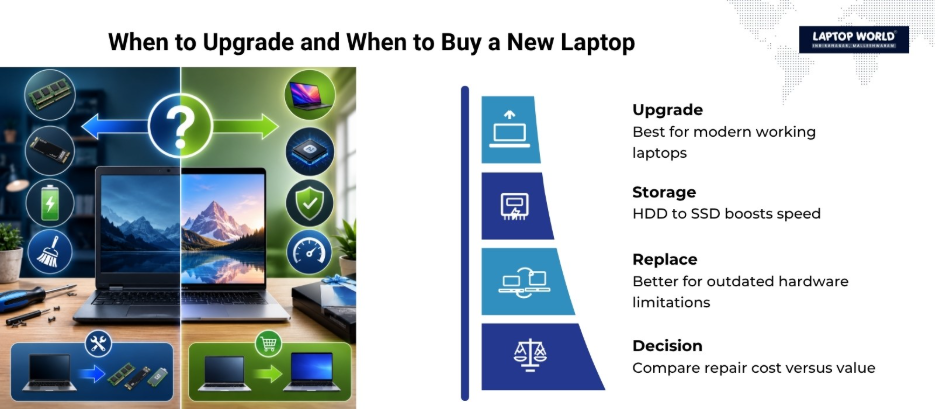
The most common strategy looks like this:
- Upgrade SSD
- Add RAM if possible
- Replace battery if needed
- Use the laptop for another 2-3 years
- Buy a new laptop later when prices stabilize
This phased approach reduces immediate spending while still delivering noticeable performance gains.
Final Verdict
In 2026, a laptop SSD upgrade makes the most sense for users whose laptops still have capable processors, acceptable battery life, and upgradeable hardware. It is one of the most cost-effective ways to improve system responsiveness without spending heavily on a new device.
However, buying a new laptop becomes the smarter choice if your system is outdated, lacks Windows 11 support, struggles with modern workloads, or has multiple failing components.
For most everyday users, students, office workers, and casual creators, upgrading storage first is often the better financial decision. But for gamers, video editors, AI users, and professionals needing the latest hardware capabilities, a newer laptop may provide much stronger long-term value.
If you need help with your laptop SSD upgrade, visit Laptop World in Malleshwaram for expert guidance!
Your Laptop Supports Upgrades
Upgradeability matters more than ever in 2026. Many users now prioritize laptops with accessible SSD slots and upgradeable RAM.
About Laptop World
With 20 years of experience in Retail, Laptop World is Bangalore’s oldest multi-brand laptop store, offering a personalized customer experience. We are unbiased towards any particular brand, dealing with top names like HP, Lenovo, Dell, Asus, and Apple. Our commitment to excellent customer service sets us apart.
For businesses, our corporate division, Nurture IT, provides comprehensive IT solutions tailored for startups in Indiranagar, ensuring all your IT needs are met in one place. From laptops to networking, servers, Information Security, End User Protection – we have you covered.
FAQs
1. Is a laptop SSD upgrade worth it in 2026?
Yes, a laptop SSD upgrade is still worth it in 2026 for many users. Replacing an HDD or older SATA SSD with a modern NVMe SSD can significantly improve boot speed, app loading times, and overall system responsiveness without the high cost of buying a new laptop.
2. Will upgrading my SSD make my laptop faster?
Yes. A faster SSD improves data access speeds, which helps the operating system, applications, and files load more quickly. While it does not directly improve CPU or GPU performance, everyday tasks feel much smoother after the upgrade.
3. Should I upgrade my SSD or buy a new laptop for gaming?
If your laptop already has a capable GPU and processor, an SSD upgrade can improve game loading times and system responsiveness. However, for higher FPS and better graphics performance in modern games, buying a newer gaming laptop is usually the better option.
4. How long can a laptop last after an SSD upgrade?
A laptop SSD upgrade can extend a laptop’s usable life by around 2 to 4 years, depending on the processor, RAM capacity, thermal condition, and battery health.
5. Can all laptops be upgraded with an SSD?
No. Some modern ultrabooks and thin laptops use soldered SSDs that cannot be replaced. Before upgrading, check whether your laptop has an accessible M.2 or SATA storage slot.