Essential Laptop Maintenance Tips for Prolonging Performance
Discover essential laptop maintenance tips to boost performance, extend lifespan, and keep your device running smoothly for years.
Imagine you’re in the middle of an important video call, your laptop humming like a contented cat, when suddenly it freezes, the fan roars like a jet engine, and everything grinds to a halt. Sound familiar? We’ve all been there, cursing our once-trusty machine for betraying us at the worst moment. But what if we told you that with a few smart habits, you could keep your laptop running smoothly for years?
That’s where laptop maintenance tips come into play. These aren’t just mundane chores; they’re the secret sauce to making your device feel brand new, boosting its longevity, and saving you from the headache of premature replacements. In this blog, we’ll dive into practical, easy-to-follow strategies that cover everything from physical upkeep to software tweaks. Let’s get started!
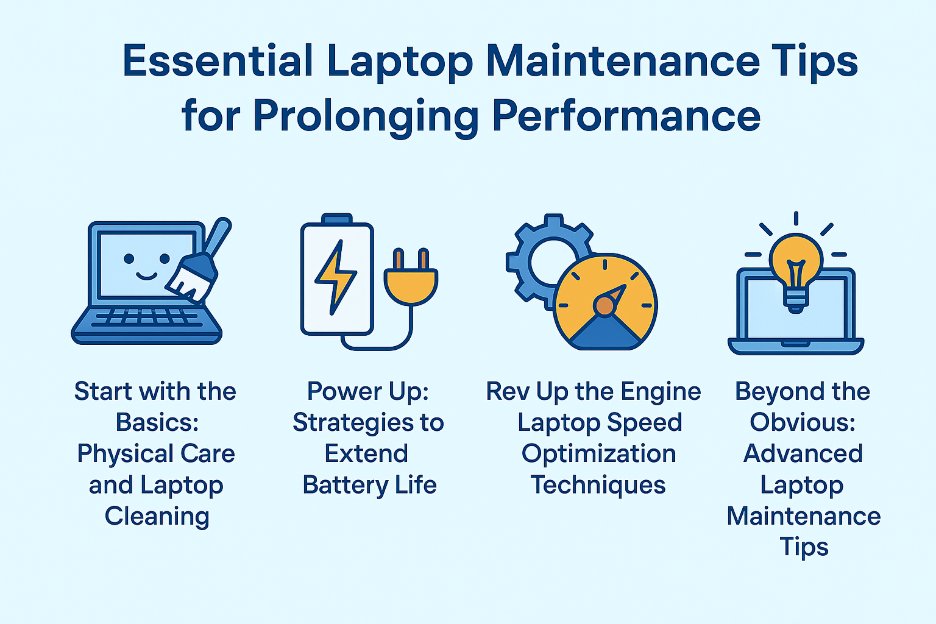
Start with the Basics: Physical Care and Laptop Cleaning
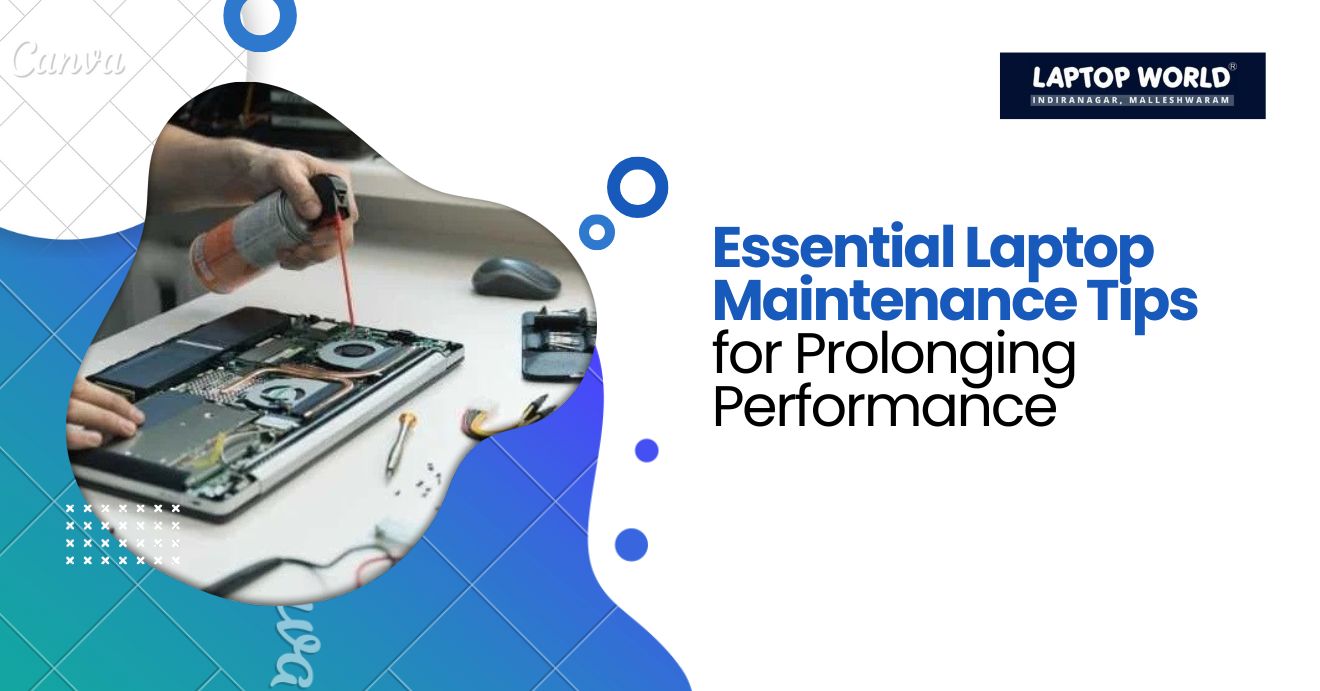
One of the most overlooked yet vital laptop maintenance tips involves regular laptop cleaning. Dust, crumbs, and pet hair sneak into keyboards and vents, which causes overheating and reduced efficiency.
To kick things off, power down your laptop and unplug it. Grab a can of compressed air and gently blow out the vents and keyboard. Hold the can upright to avoid spraying moisture and use short bursts to dislodge debris. For the screen, use a microfiber cloth lightly dampened with distilled water or a screen-specific cleaner. Wipe in circular motions to remove smudges without scratching the surface.
Beyond cleaning, invest in a sleeve or case to guard against scratches and dings during travel. Also, avoid eating over your keyboard as those tiny particles add up. By prioritizing laptop cleaning, you’re safeguarding the internals that keep your laptop performant.
Power Up: Strategies to Extend Battery Life
Ever wondered why your once-all-day battery now barely lasts a Netflix episode? Poor habits accelerate this wear, but with targeted laptop maintenance tips, you can extend battery life significantly. Lithium-ion batteries, common in modern laptops, thrive on partial charges rather than full drains.
First, calibrate your battery every few months. Let it drain completely, then charge to 100% without interruption. This resets the battery’s internal gauge for accurate readings. Keep charges between 20% and 80% most days—constant full charges stress the cells. Modern operating systems like Windows and macOS have built-in tools to limit charging to 80%.
Dim your screen brightness, as it’s a major power hog. Use adaptive brightness settings that adjust based on ambient light. Close unnecessary apps and disable background processes. For Wi-Fi and Bluetooth, toggle them off when not needed, as they drain juice even in standby.
In addition, avoid using your laptop on soft surfaces like beds, which block vents and trap warmth. Elevated stands improve airflow and keep temperatures down. Software-wise, update your OS and drivers regularly; manufacturers often release patches that optimize power efficiency.
Rev Up the Engine: Laptop Speed Optimization Techniques
Laptop speed optimization, one of the key laptop maintenance tips, can turn a slow device into a fast and responsive one. Start with storage management: A cluttered hard drive fragments data, which can slow down access times.
Delete unnecessary files, empty the recycle bin, and use disk cleanup tools. If your laptop has a traditional HDD, defragment it monthly via built-in utilities. Better yet, upgrade to an SSD if you haven’t. SSDs read and write data exponentially faster, with no moving parts to wear out.
Manage startup programs ruthlessly, as many apps auto-launch. On Windows, use Task Manager’s Startup tab to disable non-essentials; macOS has similar options in System Settings. Keep RAM usage below 80% for smooth multitasking—close tabs and apps you’re not using.
Software updates are non-negotiable for laptop speed optimization. They patch bugs, enhance security, and often include performance boosts. Set your OS to auto-update, but review them to avoid surprises. Besides, audit and remove unused browser extensions as they consume memory even when idle. Clear cache and cookies periodically to prevent buildup that hampers loading times. For heavy users, consider RAM upgrades.
Incorporate these laptop speed optimization steps, and you’ll feel the difference: Faster boot times, quicker app launches, and seamless multitasking.
Beyond the Obvious: Advanced Laptop Maintenance Tips
While cleaning, battery care, and speed tweaks form the core, don’t overlook other laptop maintenance tips that prolong performance. Security plays a big role—viruses and spyware sap resources. Therefore, use a reputable antivirus, activate firewalls, and avoid shady downloads. Two-factor authentication adds a layer without slowing you down.
Handle hardware gently: Avoid slamming the lid or yanking cables, which stress hinges and ports. Use surge protectors to shield against power spikes that could fry internals.
For storage, back up data regularly to cloud services or external drives. This prevents loss and keeps your main drive lean. Tools like Google Drive or OneDrive sync seamlessly.
Ventilation is key—use your laptop on hard, flat surfaces. Cooling pads with fans provide extra airflow for intensive tasks.
Finally, know when to seek professional help. If fans grind or performance drops inexplicably, a tech check might reveal issues like failing hardware.
Laptop World: Expert Laptop Repair Services in Bangalore
Laptop World, a trusted multi-brand laptop store in Malleshwaram, offers expert repair services to keep your devices running smoothly. Whether it’s a hardware issue, screen replacement, or battery problems, our skilled technicians deliver fast and reliable repairs. With 20 years of experience, we cater to all laptop brands, including HP, Lenovo, Dell, Asus, and Apple. Our customer-centric approach guarantees high-quality service with minimal downtime. Visit Laptop World today and get your laptop back in top shape!
FAQs
1. What are the best laptop maintenance tips for extending its lifespan?
Regularly clean your laptop, update software, and monitor battery health to improve its longevity.
2. Can laptop maintenance tips help prevent overheating?
Yes, keeping vents clean, using a cooling pad, and avoiding placing your laptop on soft surfaces can prevent overheating.
3. How do laptop maintenance tips help with system security?
Regularly updating antivirus software, cleaning up malware, and backing up data can protect your laptop from potential threats.
4. How often should I clean my laptop to maintain its performance?
Laptop maintenance tips suggest cleaning your device every 3-6 months to avoid dust buildup and overheating.
5. What should I do to maintain my laptop’s keyboard and screen?
Clean the keyboard with compressed air, avoid spilling liquids, and use a microfiber cloth for screen cleaning.