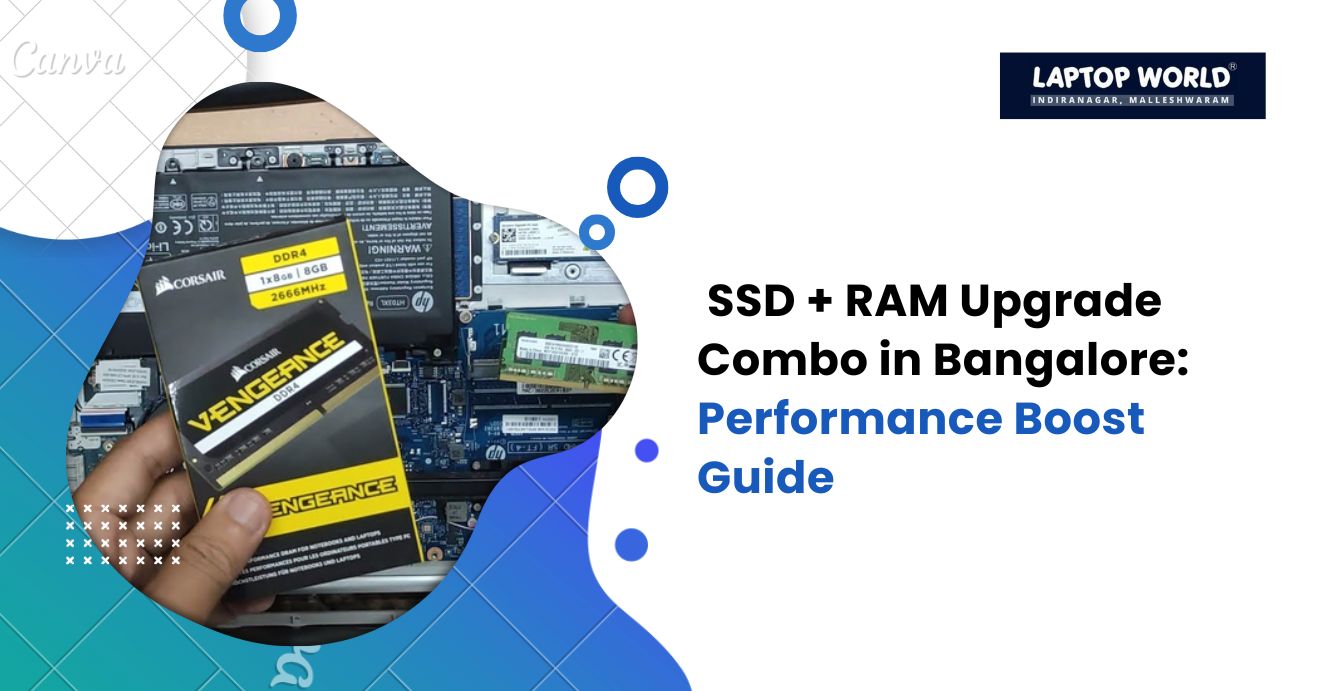
SSD + RAM Upgrade Combo in Bangalore: Performance Boost Guide
Boost your laptop speed in Bangalore with an SSD + RAM upgrade combo. Discover benefits, costs, and where to upgrade a laptop RAM in Bangalore.
If your laptop has started slowing down, freezing during multitasking, or taking ages to boot, upgrading your storage and memory could be the change you need. Combining an SSD upgrade with additional RAM can significantly boost your laptop speed, responsiveness, and overall performance. In this guide, we discuss how an SSD + RAM upgrade combo works, the benefits it offers, and important considerations before upgrading your device in Bangalore.
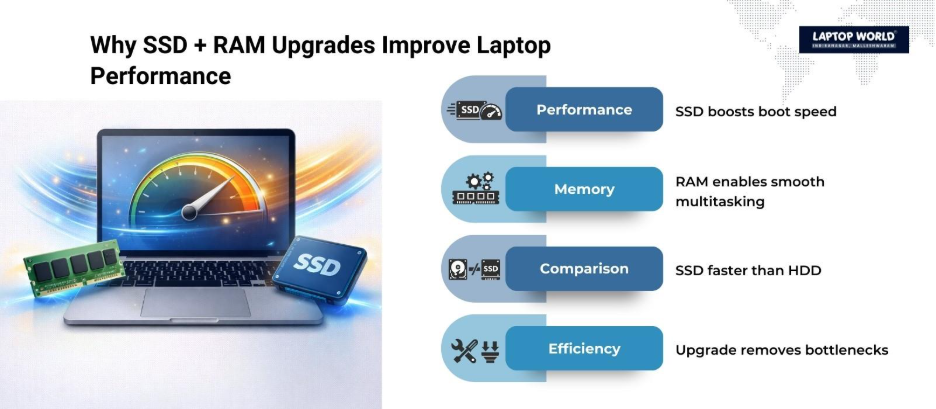
Why an SSD + RAM Upgrade Makes a Difference
Many laptops, especially older models, rely on hard disk drives (HDDs) and limited RAM. While HDDs store data mechanically, SSDs (Solid State Drives) use flash memory, which allows faster read/write speeds. Likewise, RAM (Random Access Memory) helps your system handle active processes and applications simultaneously.
By upgrading both, you tackle two major bottlenecks:
- Storage Speed: Boot times drop drastically, and file transfers happen almost instantly with SSDs.
- Multitasking Ability: More RAM allows multiple applications to run smoothly without lag.
The combination of these two upgrades can make even an aging laptop feel like a brand-new machine.
How SSDs Improve Laptop Performance
SSDs outperform traditional HDDs in nearly every metric:
| Feature | HDD | SSD |
| Boot Time | 2–5 minutes | 10–30 seconds |
| File Transfer Speed | 80–160 MB/s | 500–3500 MB/s |
| Noise | Audible spinning | Silent operation |
| Durability | Susceptible to shocks | Shock-resistant |
| Power Consumption | Higher | Lower |
By replacing your laptop HDD with an SSD, you reduce latency, load applications faster, and extend battery life. Popular SSD options include SATA SSDs and NVMe SSDs, with NVMe providing the fastest performance if your laptop supports it.
Role of RAM in Laptop Speed
RAM is critical for running applications. Low RAM can cause freezing, slow response times, and frequent disk swapping. Here’s how increasing RAM helps:
- Smooth Multitasking: More applications can run simultaneously without slowing down.
- Faster Application Launch: Programs load more quickly when sufficient RAM is available.
- Reduced Disk Swapping: Less dependency on virtual memory reduces wear on your SSD.
For most modern laptops, 8GB is the baseline for smooth performance, while 16GB or 32GB caters to power users, gamers, and professionals running memory-intensive applications.
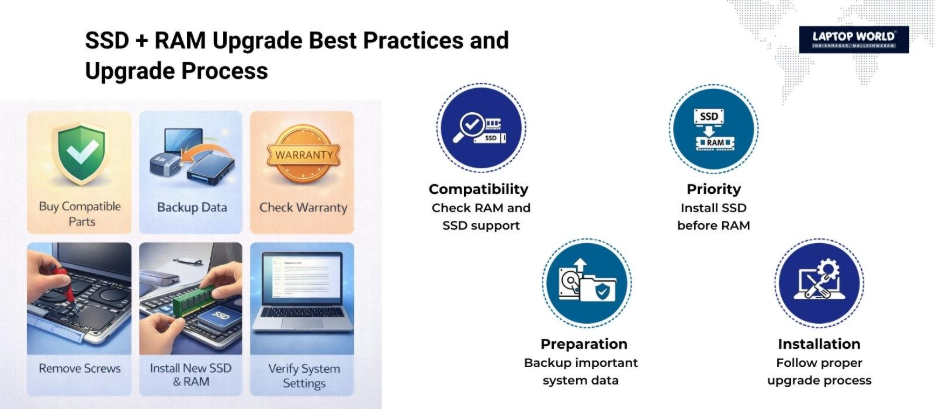
SSD + RAM Upgrade Combo: Best Practices
- Check Compatibility: Verify your laptop’s maximum supported RAM and SSD type. Refer to your laptop manual or manufacturer’s website.
- Prioritize SSD First: If your system has an HDD, upgrading to an SSD first offers the most noticeable improvement.
- Upgrade RAM for Multitasking: After SSD installation, adding RAM maximizes the system’s ability to handle multiple applications efficiently.
- Backup Data: Always back up vital data before swapping components.
- Professional Installation: While some users perform upgrades at home, professional services reduce the risk of damage.
Where to Upgrade a Laptop RAM in Bangalore
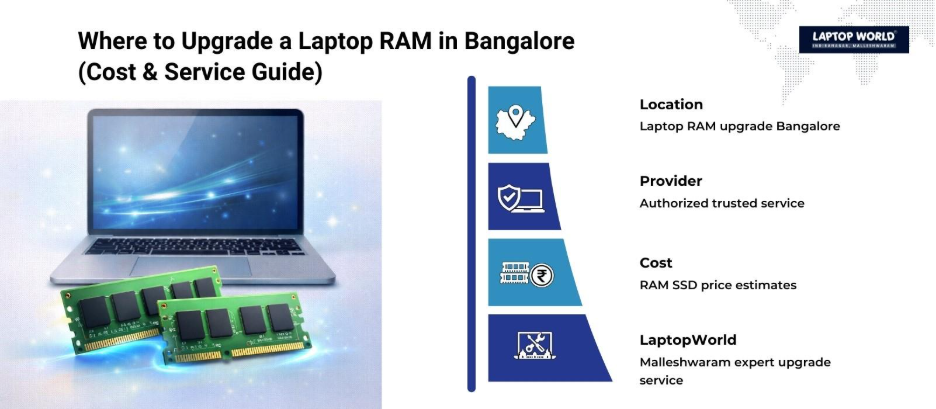
Finding a reliable service provider is key to getting the best SSD + RAM upgrade combo. Bangalore offers authorized shops, like Laptop World in Malleshwaram, that provide genuine RAM modules, SSDs, and expert installation. If you’re wondering where to upgrade a laptop RAM in Bangalore, here are some tips:
- Look for authorized stores for your laptop brand.
- Check reviews and ratings on platforms like Google Maps.
- Ask about the warranty for both the components and installation.
- Confirm the availability of high-speed SSDs and compatible RAM modules.
Cost Considerations
The cost of upgrading varies based on your laptop model, SSD type, and RAM capacity. Here’s a rough estimate for Bangalore:
| Component | Typical Cost (INR) |
| 256GB SATA SSD | 2,500 – 4,000 |
| 512GB NVMe SSD | 5,000 – 7,500 |
| 8GB DDR4 RAM | 2,000 – 3,500 |
| 16GB DDR4 RAM | 4,000 – 6,500 |
| Professional Installation | 500 – 1,000 |
Combining SSD + RAM upgrades might cost slightly more upfront, but the performance boost justifies the investment. For laptops used in gaming, video editing, or software development, the combo can double productivity.
Step-by-Step Upgrade Process
- Identify Laptop Specs: Note current RAM, storage type, and maximum upgrade capacity.
- Purchase Compatible Components: Check for motherboard compatibility before finalizing your purchase.
- Power Down & Open Laptop: Disconnect the battery if removable.
- Install SSD: Replace the existing HDD or add an SSD as secondary storage if supported.
- Install RAM: Insert new RAM modules into available slots.
- Boot and Test: Turn on your laptop and check the system recognition of the new RAM and SSD.
- Install OS (if required): For SSD replacements, a fresh OS installation improves performance.
Benefits You’ll Notice Immediately
After upgrading your laptop with an SSD + RAM combo, the changes are tangible:
- Instant boot-up times.
- Faster app launches.
- Seamless multitasking.
- Quieter and cooler system operation.
- Extended laptop lifespan, delaying the need for a full replacement.
Choosing the Right Service in Bangalore
Bangalore has numerous electronics and laptop service providers. However, a reputable service provider like Laptop World offers:
- Genuine RAM and SSD components.
- Professional installation with minimal downtime.
- Warranty on both parts and service.
- Transparent pricing with no hidden charges.
Final Thoughts
Combining an SSD + RAM upgrade can transform your laptop’s speed, multitasking, and overall efficiency. Whether for professional work, gaming, or daily tasks, the performance boost is substantial.
If you’re looking for a hassle-free experience and want to extend the life of your laptop, visit Laptop World in Malleshwaram for expert SSD and RAM upgrades.
About Laptop World
With 20 years of experience in Retail, Laptop World is Bangalore’s oldest multi-brand laptop store in Malleshwaram, offering a personalized customer experience. We are unbiased towards any particular brand, dealing with top names like HP, Lenovo, Dell, Asus, and Apple. Our commitment to excellent customer service sets us apart.
For businesses, our corporate division, Nurture IT, in Indiranagar, provides comprehensive IT solutions tailored for startups, ensuring all your IT needs are met in one place. From laptops to networking, servers, Information Security, End User Protection – we have you covered.
FAQs
1. Is it better to upgrade RAM or SSD first?
Start with SSD for immediate speed gains, then upgrade RAM for multitasking efficiency.
2. Can I upgrade both at home?
Yes, if you have technical knowledge, but professional help is recommended to avoid damage.
3. Will upgrading SSD + RAM improve gaming performance?
It improves loading times and system responsiveness, but a dedicated GPU is needed for better graphics performance.
4. How do I know what RAM type my laptop supports?
Check the laptop manual, manufacturer’s website, or use system tools like CPU-Z.
5. Do SSDs need special maintenance?
SSDs are low-maintenance. Regular backups and firmware updates help maintain performance.