Gaming Laptops vs. Creator Workstations: Which One Should You Buy from a Multi-Brand Store?
Shopping for a performance laptop isn’t about picking up the powerful processor or the highest GPU. A gamer, video editor, 3D artist, architect, and software professional can all need serious computing power, but they do not necessarily need the same type of machine. That is where a multi-brand laptop dealer in Bangalore can be useful….
Shopping for a performance laptop isn’t about picking up the powerful processor or the highest GPU. A gamer, video editor, 3D artist, architect, and software professional can all need serious computing power, but they do not necessarily need the same type of machine.
That is where a multi-brand laptop dealer in Bangalore can be useful. Instead of starting with a particular brand, you can compare machines based on how you plan to use them.
Therefore, the important question is not simply, “Which laptop is more powerful?” It is: Which hardware configuration matches your workload?
Gaming Laptops: Performance Designed Around Interactive Workloads
Gaming laptops are built primarily around sustained graphics performance, high refresh-rate displays, powerful processors, dedicated GPUs, and substantial cooling systems.
For gamers, the GPU is particularly important. Modern games can make extensive use of GPU resources for rendering, ray tracing, and other graphics workloads. A high-refresh-rate display can also be valuable when playing games capable of producing high frame rates.
Likewise, a laptop with a strong discrete GPU, fast SSD, and high-core-count processor can handle video editing, 3D applications, photo editing, and other demanding workloads. NVIDIA, for example, positions its RTX-equipped Studio systems for video editing, 3D rendering, livestreaming and design, with dedicated Studio drivers for supported creative applications.
Creator Workstations: Performance With Professional Workflows in Mind
Creator workstations are generally designed around professional applications. Depending on the model, you may find features like professional GPUs, colour-accurate displays, larger memory configurations, extensive connectivity, and workstation-class hardware.
One important distinction is software certification.
Professional NVIDIA RTX GPUs have ISV certifications for applications used in engineering, simulation, animation, 3D design, and professional rendering. These certifications relate to specific combinations of hardware, drivers, and software.
However, that matters if your livelihood depends on applications like CAD or professional 3D software. In such cases, compatibility and validated configurations can matter as much as raw benchmark performance.
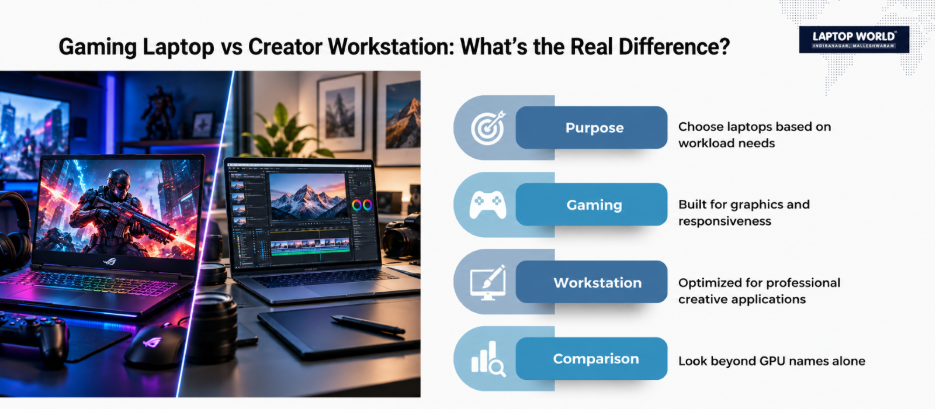
Gaming Laptop vs. Creator Workstation: Look Beyond the GPU Name
A common buying mistake is comparing laptops purely by the GPU model.
Two laptops carrying GPUs from the same family can behave differently due to power limits, cooling, CPU configuration, and chassis design.
For example, when comparing laptops, look at:
- GPU model and VRAM
- GPU power configuration
- Processor generation and core count
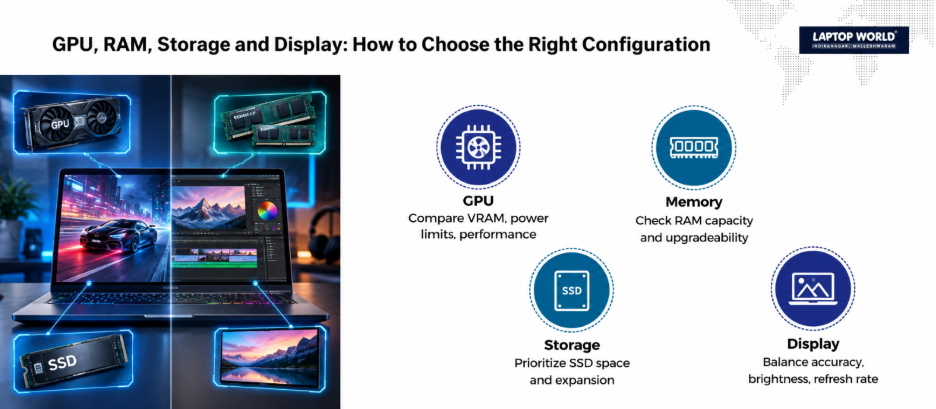
- RAM capacity and upgradeability
- SSD capacity and additional storage slots
- Display resolution
- Colour gamut and colour accuracy
- Display refresh rate
- Cooling design
- Port selection
- Weight and battery capacity
Therefore, a laptop with a gaming-oriented high-refresh display is not automatically the better editing machine just because it has a powerful GPU.
When Should You Choose a Gaming Laptop?
A gaming laptop may make more sense if your workload combines gaming with general creative work.
Consider this category if you:
- Play modern AAA games regularly
- Want high-refresh-rate gaming
- Edit videos as a secondary or mixed workload
- Use GPU-accelerated creative applications
- Want strong performance without buying a specialist workstation
- Prefer a wider selection of performance-oriented models
For example, a YouTube creator who spends evenings gaming and weekends editing 4K footage may benefit from a gaming laptop with a capable GPU, sufficient VRAM, 32GB of RAM, and a fast NVMe SSD.
The key is configuring the laptop around the creator workload rather than buying purely on gaming specifications.
When Does a Creator Workstation Make More Sense?
A creator-focused or professional workstation becomes more compelling if you regularly work with:
- CAD and engineering software
- Professional 3D modelling
- Simulation
- Architectural visualisation
- Complex video-production projects
- Large RAW photography workflows
- Professional colour-sensitive work
- Applications where ISV certification matters
A gamer might be totally fine with a setup that handles their games. But if you’re a video editor, you’re simultaneously running browser tabs, graphics applications, asset libraries, and other tools.
Therefore, check whether the laptop uses upgradeable SO-DIMM memory or soldered RAM before buying. Our laptop RAM upgrade guide has all the details.
Storage Matters More for Creators Than the Specification Sheet Suggests
Storage capacity is another major consideration.
Games can take up a lot of storage, but creators often deal with even more demanding file libraries: 4K footage, RAW photographs, project files, proxies, cache files, and exported videos.
A 512GB SSD can therefore become restrictive quickly.
If you work with large media files, consider a laptop with at least 1TB of fast SSD storage, or a configuration that provides an additional M.2 slot where supported.
You should also think about external storage and connectivity. USB-C, USB-A, HDMI, SD card readers, and high-speed external storage support can influence how practical a laptop becomes in a real production environment. Our essential laptop accessories guide highlights useful additions.
Display: The Specifications Creators Should Never Ignore
For gaming, refresh rate can be a major priority. For creators, other display characteristics can be equally important.
Therefore, pay attention to:
- Resolution
- Colour gamut
- Colour accuracy
- Brightness
- Panel technology
- Refresh rate
- Screen size
- Aspect ratio
A creator working on photographs or colour-sensitive video may prioritise colour characteristics over an extremely high refresh rate.
On the contrary, someone who spends most of their time gaming may reasonably prioritise refresh rate and response characteristics.
What Should You Ask a Multi-Brand Laptop Dealer in Bangalore?
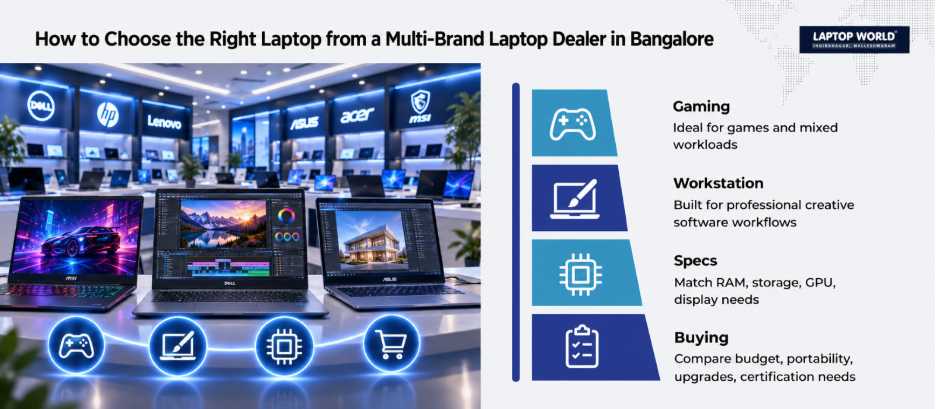
Shopping at a multi-brand laptop dealer in Bangalore gives you the freedom to check out different brands, rather than a single manufacturer. So instead of asking, “Which laptop is best?”, describe your actual workload.
Tell the salesperson:
- Which applications you use.
- Whether you game regularly.
- What resolution you edit at.
- How much RAM your current workflow consumes.
- Whether you use an external monitor.
- How much storage you need.
- Whether portability matters.
- Your approximate budget.
- How long you expect to keep the laptop.
- Whether professional software certification is relevant to your work.
This changes the conversation from brand preference to configuration suitability.
Final Buying Checklist
Before paying for a performance laptop, check these points:
For gaming:
GPU performance, VRAM, CPU performance, cooling, refresh rate, and upgrade options.
For video editing:
CPU, GPU, VRAM, RAM, SSD capacity, display quality, and ports.
For 3D/CAD:
GPU capability, application requirements, professional certification where applicable, RAM and thermal performance.
For mixed use:
Prioritise the workload that occupies most of your time, then check whether the configuration handles your secondary tasks comfortably.
Therefore, the right purchase is not necessarily the laptop with the biggest specification sheet. It is the machine whose hardware, display, thermals, software compatibility, and upgrade options align with the work you actually perform.
Still unsure which configuration fits your needs? Visit the Laptop World Store today!
FAQs
1. Are gaming laptops suitable for video editing?
Yes. Many gaming laptops have powerful CPUs and dedicated GPUs that can handle video-editing workloads. However, the right choice depends on the editing software, resolution, project complexity, RAM, GPU, and storage requirements.
2. Are creator laptops good for gaming?
Some are. A creator laptop with a capable discrete GPU can run games, but its display, cooling configuration, and GPU power limits may differ from a gaming-focused model.
3. What is more important for video editing: CPU or GPU?
Both matter. The balance depends on the software and specific workflow. Modern editing applications can use GPU acceleration for several tasks, while CPU performance remains important for other operations.
4. How much RAM should a creator laptop have?
There is no universal amount. 16GB can be sufficient for lighter work, while 32GB or more can be useful for demanding multitasking, high-resolution editing, 3D work, and large projects.
5. Is 512GB SSD enough for a creator?
It can be enough for lighter workflows, but creators working with large video or RAW-photo libraries may find 1TB or more considerably more practical.