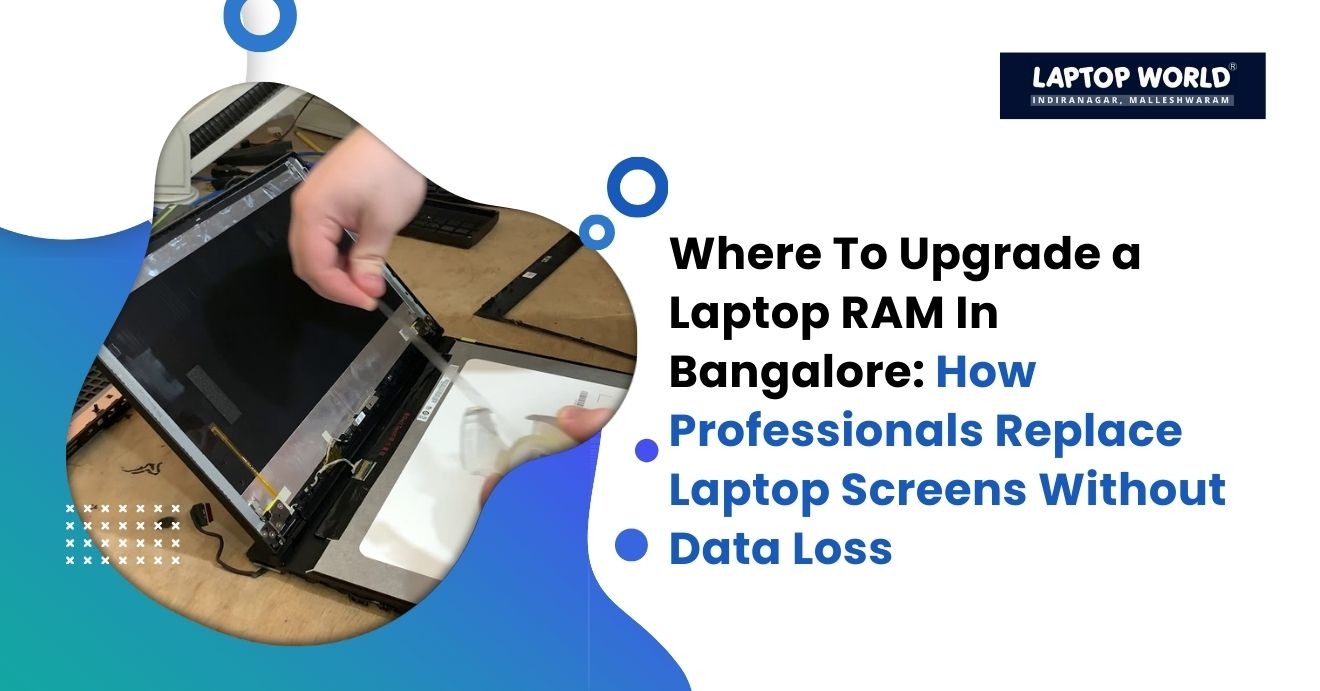
How Professionals Replace Laptop Screens Without Data Loss
If your laptop screen suddenly cracks, flickers, or goes completely black, panic is often the first reaction, especially when important files are stored on the device. Many users worry that repairing a damaged display might lead to data loss. In reality, a screen replacement does not affect your internal storage when performed correctly. This is why professional…
If your laptop screen suddenly cracks, flickers, or goes completely black, panic is often the first reaction, especially when important files are stored on the device. Many users worry that repairing a damaged display might lead to data loss. In reality, a screen replacement does not affect your internal storage when performed correctly.
This is why professional laptop screen repair Bangalore services follow structured diagnostic and safety procedures to protect your files while restoring your device. In this blog, we explain how experts replace laptop screens without risking your data and why choosing trained technicians matters.
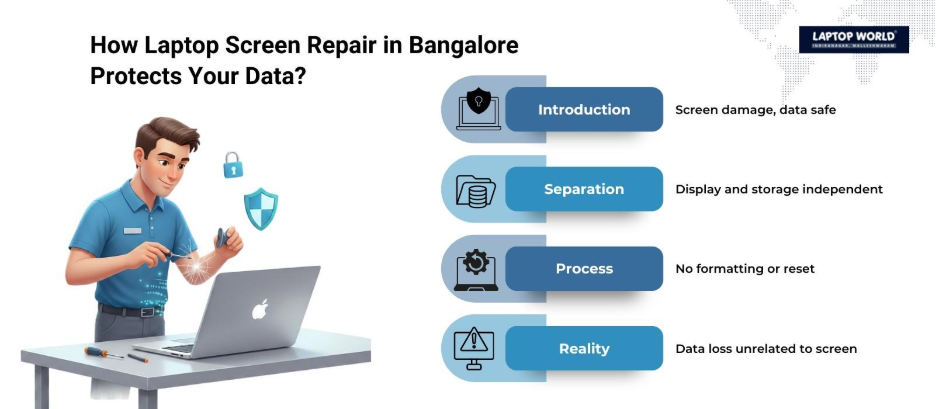
Understanding the Relationship Between the Screen and Your Data
Before discussing the repair process, it’s important to understand how laptops store information.
Your files, operating system, and applications are stored on the internal storage drive, either a Hard Disk Drive (HDD) or a Solid-State Drive (SSD). The display panel is a separate hardware component connected to the motherboard via a display cable.
When the screen is damaged, it does not directly impact:
- Your SSD or HDD
- Your operating system
- Your stored documents, images, or software
Because the hardware is separate, professional laptop screen repair in Bangalore can fix your screen without ever touching your stored data.
Common Causes of Laptop Screen Damage
Technicians frequently handle screen replacements due to:
- Accidental drops
- Pressure damage (placing heavy objects on the lid)
- Liquid exposure
- Manufacturing defects
- Backlight or panel failure
- Dead pixels or display lines
In most of these cases, the internal storage remains intact.
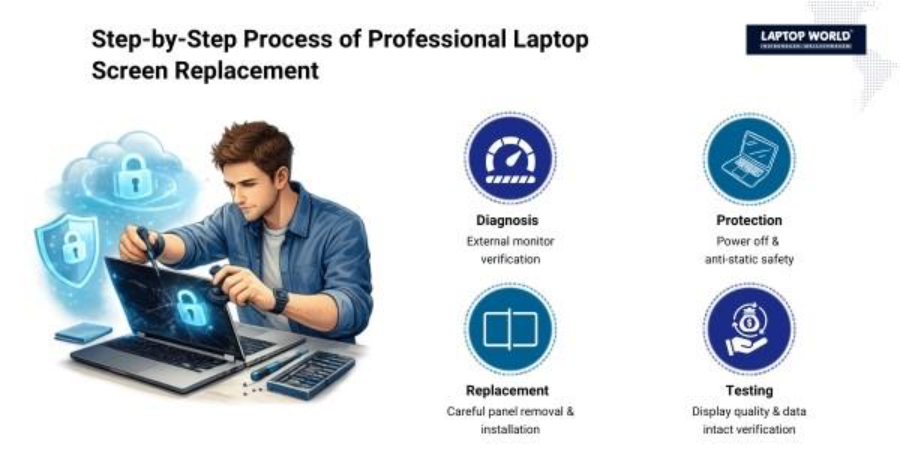
Step-by-Step: How Professionals Replace Laptop Screens
1. Initial Diagnostic Assessment
Experienced technicians begin by diagnosing the issue. Not every display problem requires panel replacement.
They typically:
- Connect the laptop to an external monitor
- Check for GPU or motherboard issues
- Test display output signals
- Inspect hinge and cable connections
If the external monitor works perfectly, it confirms the problem lies with the laptop screen rather than internal hardware.
Professional laptop screen repair in Bangalore relies on this diagnostic step to prevent unnecessary part replacement.
2. Data Safety Precautions
Even though screen repair does not involve the storage drive, professionals follow precautionary measures such as:
- Powering off the device completely
- Disconnecting the battery
- Using anti-static wrist straps
- Avoiding motherboard interference
These precautions reduce the risk of electrical damage during repair.
Some providers also offer optional data backup if the user requests it, especially when the screen damage occurred due to impact.
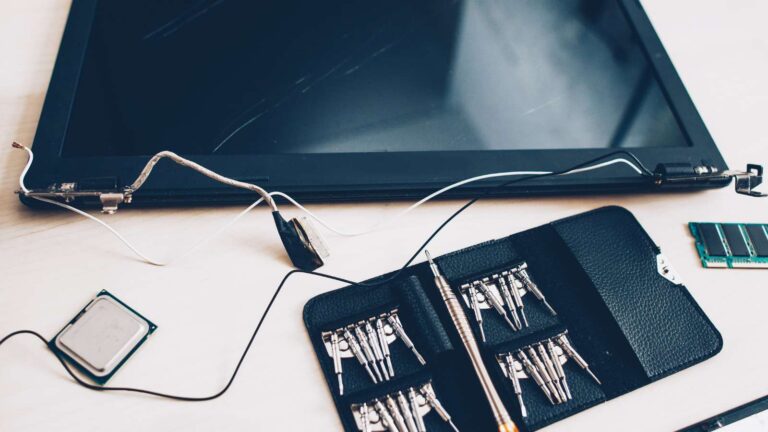
3. Removing the Damaged Screen
The technician carefully:
- Removes the rubber screw covers
- Unscrews the display bezel
- Detaches the frame clips
- Disconnects the display cable
Modern laptops use slim LED or LCD panels, which require precise handling to avoid cable damage.
This process does not involve removing the SSD or HDD, which is why your data remains untouched.
4. Matching the Correct Replacement Panel
Professionals do not install generic screens blindly. They check:
- Screen size (in inches)
- Resolution (HD, Full HD, 2K, 4K)
- Refresh rate
- Panel type (IPS, TN, OLED)
- Connector type and pin configuration
Installing the wrong panel can cause display issues or system errors. Therefore, reliable laptop screen repair in Bangalore sources compatible, high-quality panels that match manufacturer specifications.
5. Installing the New Screen
After verifying compatibility, the technician:
- Connects the display ribbon cable
- Secures the new panel into the frame
- Reinstalls the bezel
- Tightens screws carefully
They then power the device on before final assembly to confirm:
- Display clarity
- Brightness consistency
- No flickering
- Proper resolution detection
6. Post-Repair Testing
Professional repair services conduct:
- Visual inspection
- Color and brightness testing
- Dead pixel checks
- System performance verification
Since the storage drive was never removed or altered, your data remains exactly as it was before the repair.
Laptop Screen Repair in Bangalore – Process Overview
| Step | Repair Stage | What Professionals Do | Impact on Data |
| 1 | Diagnostic Check | Connect external monitor, test GPU, inspect display cable | No impact on SSD/HDD |
| 2 | Safety Preparation | Power off device, disconnect battery, use anti-static tools | Protects internal components |
| 3 | Screen Removal | Remove bezel, unscrew panel, disconnect ribbon cable | Storage drive untouched |
| 4 | Panel Matching | Verify size, resolution, refresh rate, connector type | No system changes made |
| 5 | Screen Installation | Connect new panel, secure frame, reassemble laptop | No formatting or reset |
| 6 | Testing & Quality Check | Check brightness, color, resolution, dead pixels | Data remains intact |
Why Screen Replacement Does Not Cause Data Loss
To clarify technically:
- The display panel only transmits visual output.
- The SSD or HDD stores data independently.
- Screen replacement does not require OS reinstallation.
- No formatting or firmware reset is involved.
Data loss typically occurs due to:
- Hard drive failure
- Malware attacks
- Accidental formatting
- Operating system corruption
A cracked screen alone does not delete files.
When Data Loss Risk May Exist
Although rare, risk can arise if:
- The laptop suffered severe physical trauma, affecting the motherboard
- Liquid damage reached internal storage components
- An inexperienced technician mishandles internal parts
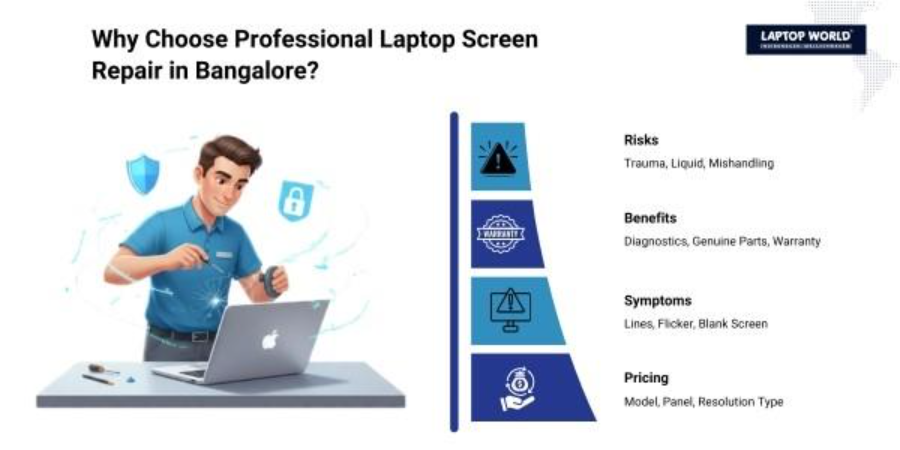
This is why choosing a trained professional for laptop screen repair in Bangalore matters. Certified technicians understand device architecture and follow safe repair protocols.
Advantages of Professional Laptop Screen Repair in Bangalore
Choosing professional repair services offers:
- Accurate diagnostics
- Compatible replacement parts
- Safe handling procedures
- Warranty-backed repairs
- Faster turnaround time
Bangalore, being a major technology hub, has numerous specialized service centers equipped with advanced diagnostic tools and trained technicians.
Can You Replace a Laptop Screen Yourself?
DIY screen replacement tutorials are widely available, but risks include:
- Damaging the display cable
- Cracking the new panel during installation
- Short-circuiting components
- Voiding manufacturer warranty
Without proper tools and technical knowledge, attempting DIY repair can lead to higher costs later.
For most users, professional laptop screen repair in Bangalore remains the safer option.
Signs You Need Immediate Screen Replacement
Seek repair services if you notice:
- Vertical or horizontal lines
- Flickering display
- Black spots spreading
- Completely blank screen (with working external monitor)
- Distorted colors
Delaying repair may worsen panel damage or strain the display connector.
Cost Factors for Laptop Screen Repair in Bangalore
Pricing depends on:
- Brand and model
- Screen size
- Panel type (HD vs. 4K)
- Touchscreen vs. non-touchscreen
- OLED vs. LCD
Touchscreen and high-resolution panels generally cost more due to component complexity.
Final Thoughts
A damaged screen may look alarming, but it does not mean your files are lost. The screen is simply an output device, separate from your storage system. Professional laptop screen repair in Bangalore follows a systematic process, diagnosis, safe disassembly, panel matching, careful installation, and testing, without interfering with your data.
If your laptop display is cracked or malfunctioning, choosing Laptop World protects both your hardware and your valuable information. With proper repair practices, your device can return to full functionality while your data remains exactly where it belongs. Visit our store in Malleshwaram today!
About Laptop World
With 20 years of experience in Retail, Laptop World is Bangalore’s oldest multi-brand laptop store, offering a personalized customer experience. We are unbiased towards any particular brand, dealing with top names like HP, Lenovo, Dell, Asus, and Apple. Our commitment to excellent customer service sets us apart.
For businesses, our corporate division, Nurture IT, in Indiranagar, provides comprehensive IT solutions tailored for startups, ensuring all your IT needs are met in one place. From laptops to networking, servers, Information Security, End User Protection – we have you covered.
FAQs
1. Does replacing a laptop screen delete my data?
No. A screen replacement does not affect your SSD or HDD. Your files remain intact because the display panel is separate from the storage drive.
2. How long does laptop screen repair in Bangalore usually take?
Most professional screen replacements take between 30 minutes to 2 hours, depending on the laptop model and part availability.
3. Is data backup required before screen replacement?
While not mandatory, taking a backup is recommended as a precaution, especially if the laptop suffered heavy impact or liquid exposure.
4. How do technicians confirm the issue is only with the screen?
They connect the laptop to an external monitor and perform hardware diagnostics to rule out GPU or motherboard issues.
5. Can a cracked screen damage internal components?
In most cases, no. However, severe impact or liquid damage could affect internal hardware, which is why proper diagnostics are important.