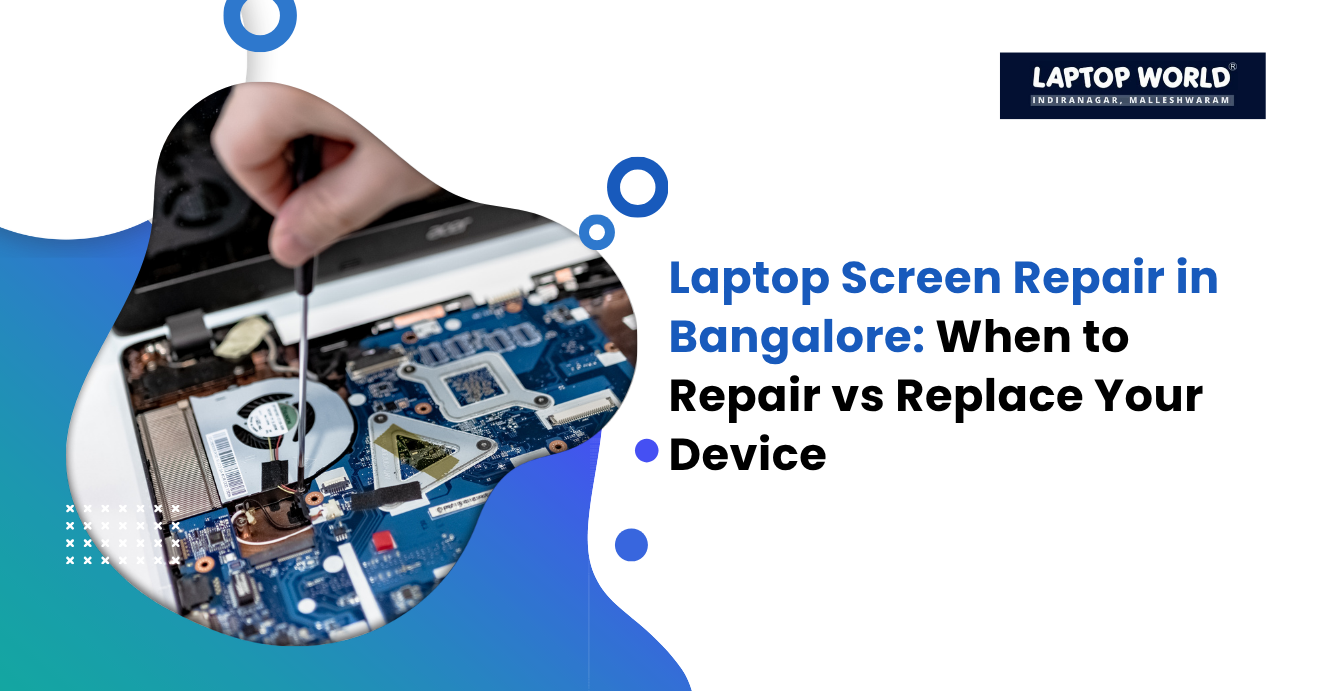
Laptop Screen Repair in Bangalore: When to Repair vs Replace Your Device
A damaged laptop display can instantly disrupt work, online classes, gaming, or business operations. Whether it is a cracked panel, flickering display, dead pixels, or a completely black screen, many users struggle with the same question: should you repair the laptop or replace the entire device? For users searching for laptop screen repair in Bangalore, the…
A damaged laptop display can instantly disrupt work, online classes, gaming, or business operations. Whether it is a cracked panel, flickering display, dead pixels, or a completely black screen, many users struggle with the same question: should you repair the laptop or replace the entire device?
For users searching for laptop screen repair in Bangalore, the decision often comes down to cost versus long-term value. In some cases, replacing the screen is the smartest and most affordable solution. In others, investing in a new laptop makes more financial sense.
In this guide, we explain when laptop screen repair is worth it, when replacement is the better option, expected costs in Bangalore, and how to make the right decision based on your device.
Why Laptop Screen Damage Is So Common
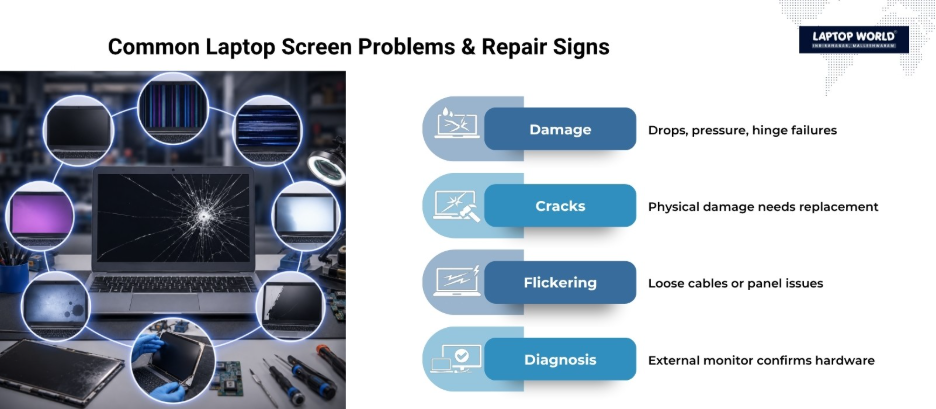
Laptop screens are among the most fragile components in modern devices. Thin bezels, lightweight designs, and portable usage increase the risk of damage from:
- Accidental drops
- Pressure inside backpacks
- Closing the lid on objects
- Hinge stress
- Liquid damage
- Internal display cable failure
- Manufacturing defects
Common Signs You Need Laptop Screen Repair
Not every screen issue means your laptop is dead. Many problems can be fixed through panel replacement or minor hardware repair.
Here are the most common symptoms:
Cracked or Shattered Screen
Physical cracks, ink-like black patches, or visible damage almost always require a full screen replacement. Software fixes cannot repair physical LCD or OLED damage.
Flickering Display
This may be caused by:
- Loose display cables
- GPU issues
- Faulty hinges
- Damaged panels
Sometimes the screen itself is not the problem.
Black Screen With Working Keyboard
If the laptop powers on but the display remains black, the issue could involve:
- Backlight failure
- Display connector damage
- Faulty screen panel
Testing with an external monitor helps confirm whether the laptop itself still works.
Dead Pixels or Vertical Lines
These issues usually point to panel damage or manufacturing defects. Business laptops under warranty may qualify for free replacement depending on the policy.
Laptop Screen Repair Cost in Bangalore
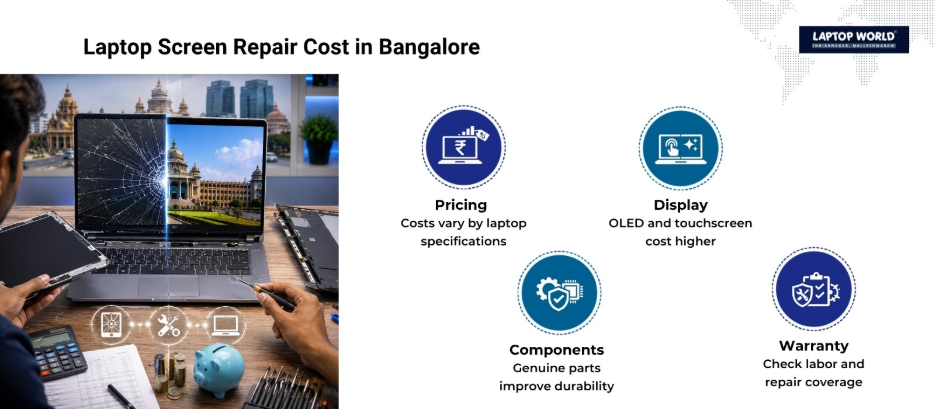
One of the biggest reasons users search for laptop screen repair in Bangalore is to compare repair costs against the price of a new laptop.
The actual price depends on:
- Laptop brand
- Screen size
- Resolution
- Touchscreen support
- OLED vs LCD panel
- Genuine vs aftermarket parts
- Labor charges
Below is a general pricing breakdown based on current Indian repair trends.
| Laptop Type | Estimated Repair Cost in Bangalore | Repair Recommendation |
| Budget laptops (HD display) | ₹2,500 – ₹6,000 | Usually worth repairing |
| Standard Full HD laptops | ₹4,000 – ₹9,000 | Repair if laptop is under 4 years old |
| Gaming laptops | ₹7,000 – ₹18,000 | Depends on GPU and performance value |
| Premium ultrabooks | ₹8,000 – ₹25,000 | Often worth repairing |
| Touchscreen laptops | ₹10,000 – ₹30,000 | Compare against resale value |
| OLED or 4K laptops | ₹15,000 – ₹45,000 | Repair only if laptop is high-end |
| MacBook display repair | ₹25,000 – ₹70,000+ | Evaluate carefully before proceeding |
Standard non-touch laptop displays generally cost much less to replace than premium OLED, Retina, or touchscreen panels.
When Laptop Screen Repair Makes Sense
Repairing the display is often the best option in the following situations.
Your Laptop Is Less Than 4 Years Old
Modern laptops usually remain productive for around 4-5 years, depending on usage and hardware quality.
If your device still performs well, replacing only the screen is significantly cheaper than buying a new laptop.
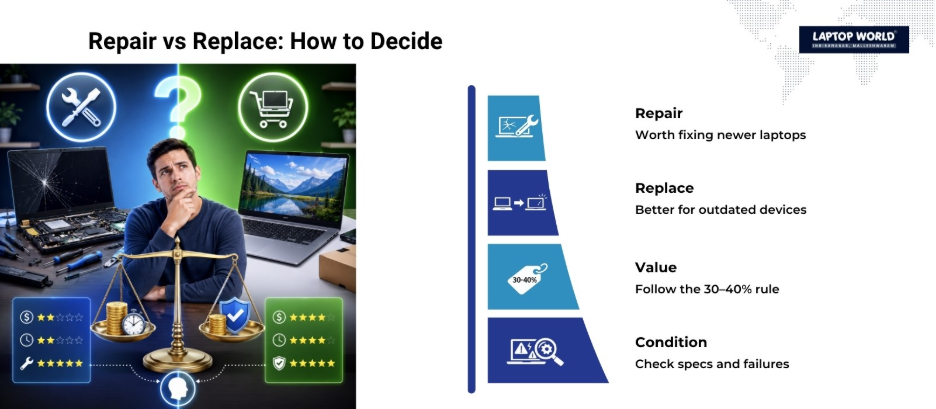
The Repair Cost Is Below 30–40% of Laptop Value
A practical rule many technicians use:
- Repair the laptop if the repair cost is below 30-40% of the device’s current market value.
- Replace the laptop if repairs approach the cost of a newer system.
For example:
- A ₹60,000 laptop with a ₹6,000 screen repair is usually worth fixing.
- A ₹40,000 old laptop needing ₹25,000 repair may not be worth it.
The Laptop Has Strong Specifications
If your laptop already has:
- SSD storage
- 16GB RAM
- Dedicated graphics
- Modern processors
Repairing the screen may extend its life for several more years at a relatively low cost.
External Monitor Testing Shows the Laptop Still Works
If the laptop works perfectly through HDMI or an external monitor, the issue is often limited to the display assembly.
That is usually good news because the motherboard and internal hardware remain functional.
When Replacing the Laptop Is Better
Sometimes screen repair becomes financially impractical.
The Device Is Already Very Old
If the laptop is:
- 6-8 years old
- Slow even after upgrades
- Running outdated hardware
Replacing the entire laptop may provide better long-term value.
Multiple Components Are Failing
A screen issue combined with:
- Battery failure
- Overheating
- Keyboard issues
- Motherboard problems
can push repair costs too high.
Premium Screen Repairs Are Extremely Expensive
MacBooks, OLED laptops, and touchscreen ultrabooks often have fused display assemblies that dramatically increase repair costs.
At this point, replacement becomes a realistic alternative.
Spare Parts Are Hard to Find
Older laptops sometimes face:
- Limited part availability
- Non-genuine replacement panels
- Long repair delays
In such cases, replacing the device will save time and frustration.
Questions to Ask Before Approving Laptop Screen Repair
Before proceeding with repairs, ask the technician:
- Is the replacement screen original or compatible?
- What warranty is included?
- Will brightness and color quality match the original?
- How long will the repair take?
- Does the quote include labor charges?
- Are hinges or display cables also damaged?
- Can the laptop be tested with an external monitor first?
These questions help avoid hidden costs and poor-quality replacements.
How to Protect Your Laptop Screen After Repair
Here are simple ways to reduce future damage:
- Use a padded laptop bag
- Avoid placing pressure on the lid
- Never close the lid with objects inside
- Open the laptop from the center
- Clean the display with microfiber cloths
- Avoid over-tight hinge movement
Preventive care can extend screen life significantly.
Final Thoughts
Laptop screen repair in Bangalore is far more affordable than buying a new laptop. Standard screen replacements often restore full usability at a fraction of replacement cost.
However, replacement becomes the smarter option when:
- The laptop is outdated
- Multiple components are failing
- Premium display repair costs become excessive
The best approach is to compare repair pricing, laptop age, hardware performance, and long-term usability before making a decision.
If your laptop screen is cracked, flickering, showing lines, or completely black, Laptop World offers reliable screen repair services for major laptop brands like HP, Dell, Lenovo, and more. From standard HD displays to premium Full HD, touchscreen, and gaming laptop panels, our technicians diagnose the issue accurately and provide cost-effective repair solutions.
Visit our store in Malleshwaram today!
About Laptop World
With 20 years of experience in Retail, Laptop World is Bangalore’s oldest multi-brand laptop store, offering a personalized customer experience. We are unbiased towards any particular brand, dealing with top names like HP, Lenovo, Dell, Asus, and Apple. Our commitment to excellent customer service sets us apart.
For businesses, our corporate division, Nurture IT, provides comprehensive IT solutions tailored for startups, ensuring all your IT needs are met in one place. From laptops to networking, servers, Information Security, End User Protection – we have you covered.
FAQs
1. How much does laptop screen repair in Bangalore usually cost?
Laptop screen repair costs in Bangalore typically range from ₹2,500 to ₹25,000 or more, depending on the laptop model, display type, and brand.
2. Is it better to repair or replace a laptop with a broken screen?
Repair is usually better if the laptop is less than 4-5 years old, and the repair cost is significantly lower than buying a new device.
3. How long does laptop screen repair take?
Most laptop screen repairs can be completed within a few hours to 2 business days, depending on spare part availability.
4. Can a cracked laptop screen be fixed without replacement?
Physical cracks generally require full-screen replacement because damaged LCD or OLED panels cannot be repaired.
5. Does laptop screen repair affect performance?
No. Screen replacement only restores display functionality and does not reduce laptop performance when done correctly.