Signs Your Laptop Needs a Professional Health Check Before It Fails
Introduction Most people use their laptops every day. Because laptops have become such an important part of daily life, many users ignore small warning signs until the device suddenly stops working. Unfortunately, laptop failures rarely happen without warning. In most cases, the system shows several symptoms before a major breakdown happens. Therefore, recognizing these…
Introduction

Most people use their laptops every day. Because laptops have become such an important part of daily life, many users ignore small warning signs until the device suddenly stops working. Unfortunately, laptop failures rarely happen without warning. In most cases, the system shows several symptoms before a major breakdown happens.
Therefore, recognizing these signs early can help prevent expensive repairs. Whether it is unusual noise, overheating, slower performance, or battery problems, identifying issues at the right time allows technicians to diagnose and fix them.
In this guide, we discuss the key signs that indicate your laptop needs a professional health check before it fails completely.
Why Regular Laptop Health Checks Matter
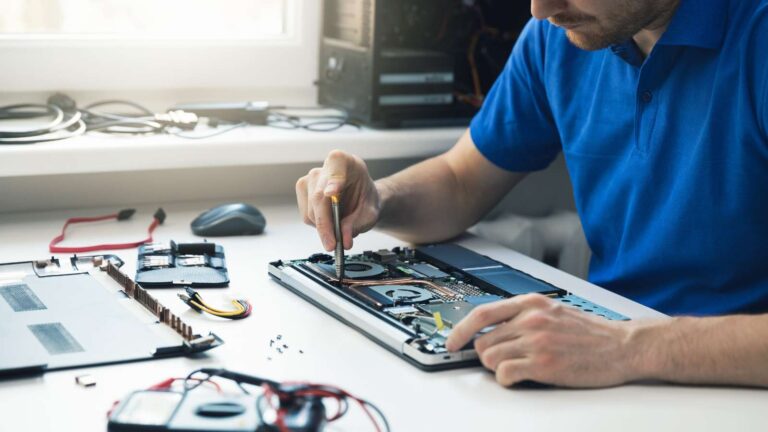
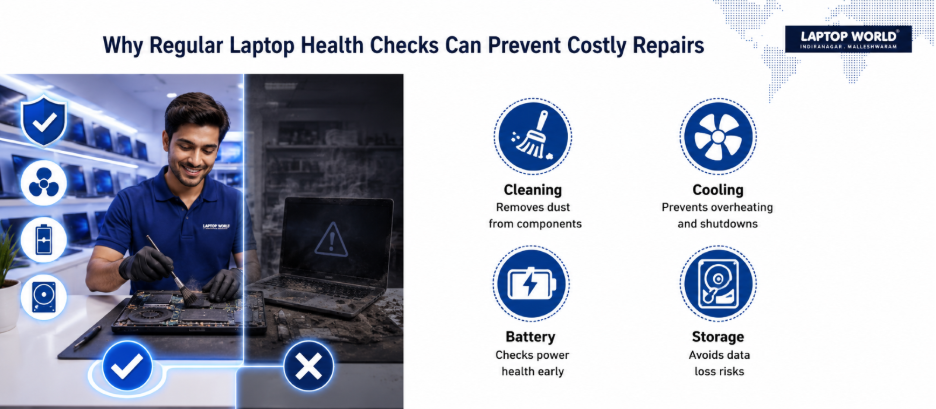
Just like vehicles require periodic servicing, laptops benefit from regular inspections and maintenance. Internal components like cooling fans, storage drives, batteries, and memory modules experience wear over time. Dust accumulation, outdated software, and aging hardware can gradually affect performance.
A professional technician can identify hidden issues, clean internal components, test hardware health, and recommend preventive solutions. This proactive approach often costs far less than replacing damaged hardware after a major failure.
1. Your Laptop Is Running Extremely Slow
A noticeable decline in performance is one of the most common warning signs. Applications may take longer to open, web pages may load slowly, and even simple tasks can feel frustrating.
While many users search for temporary slow laptop fixes, persistent sluggishness may indicate deeper issues like:
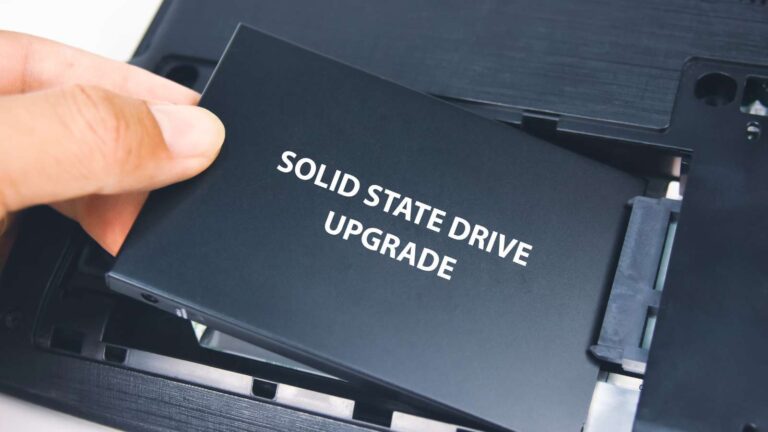
- Failing storage drives
- Insufficient memory
- Excessive background processes
- Malware infections
- Operating system corruption
If restarting the device and basic optimization do not improve performance, a professional diagnosis can identify the root cause and prevent further deterioration.
2. Frequent Laptop Overheating
Laptop overheating should never be ignored. Modern laptops are designed to operate within specific temperature ranges. When temperatures rise excessively, internal components can suffer permanent damage.
Common symptoms include:
- Hot keyboard or bottom panel
- Loud cooling fans
- Unexpected shutdowns
- Reduced performance during heavy workloads
Overheating is often caused by blocked vents, dust accumulation, failing fans, or degraded thermal paste. Professional technicians can clean the cooling system and restore proper heat dissipation.
Also Read: Signs Your Laptop Needs Replacement Instead of Repair
3. Unexpected Shutdowns and Restarts
If your laptop shuts down without warning or restarts randomly, it could indicate several underlying problems.
Possible causes include:
- Overheating
- Faulty RAM
- Motherboard issues
- Battery failures
- Power supply problems
Random shutdowns can result in lost work and corrupted files. A professional health check can determine whether the issue stems from hardware or software and provide appropriate solutions.
4. Strange Noises from Inside the Laptop
Laptops generally operate quietly. Clicking, grinding, buzzing, or rattling sounds are not normal and often signal hardware problems.
Potential sources include:
- Failing cooling fans
- Damaged hard disk drives
- Loose internal components
Therefore, a failing hard drive may produce clicking sounds before data becomes inaccessible. Addressing these warning signs early can help protect valuable files and prevent complete drive failure.
5. Battery Drains Faster Than Usual
Laptop batteries naturally lose capacity over time. However, a sudden decline in battery performance may indicate a developing issue.
Watch for signs like:
- Rapid battery drain
- Inconsistent charging
- Unexpected power loss
- Battery swelling
Battery swelling is particularly serious because it can damage internal components and the laptop chassis. A professional inspection can determine whether battery replacement is necessary.
6. Blue Screen Errors and System Crashes
Frequent system crashes or blue screen errors are clear indicators that something is wrong.
These problems can occur due to:
- Faulty hardware
- Driver conflicts
- Storage device failures
- Memory issues
- Operating system corruption
Occasional crashes may not be alarming, but repeated errors require professional attention to prevent further instability.
7. Applications Frequently Freeze or Stop Responding
When software regularly becomes unresponsive, many users assume the applications themselves are faulty. However, persistent freezing can be linked to broader laptop performance issues.
Common causes include:
- Insufficient RAM
- Storage problems
- Malware infections
- Overheating
- Software conflicts
A technician can conduct hardware diagnostics and system analysis to identify the underlying cause.
8. Wi-Fi and Connectivity Problems
Intermittent internet connectivity can sometimes be caused by network issues. However, if only your laptop struggles to maintain a stable connection, internal hardware or software may be responsible.
Potential causes include:
- Faulty Wi-Fi adapters
- Driver issues
- Network configuration errors
- Antenna damage
A professional evaluation can help determine whether repairs or software adjustments are needed.
9. Display Problems and Screen Flickering
The display is one of the most important laptop components. Flickering screens, dead pixels, distorted images, or dim displays often indicate hardware problems.
These issues may result from:
- Damaged display panels
- Loose display cables
- Graphics processing issues
- Driver conflicts
Ignoring display problems can lead to complete screen failure.
Also Read: Laptop Repair Shop Near Me
10. Storage Space Constantly Runs Out
If storage fills up unusually quickly despite deleting files, hidden problems may be developing.
Possible reasons include:
- Corrupted files
- Malware activity
- Excessive temporary data
- Software errors
Professional diagnostics can identify abnormal storage consumption and help restore system efficiency.
The Importance of Professional Laptop Maintenance
Many laptop users wait until complete failure occurs. Unfortunately, delayed repairs often lead to higher costs and longer downtime.
A professional laptop maintenance service typically includes:
- Internal cleaning
- Cooling system inspection
- Battery health testing
- Hardware diagnostics
- Software optimization
- Malware scanning
- Storage health assessment
Routine maintenance helps identify potential issues before they affect productivity or cause data loss.
When Should You Seek Professional Laptop Repair?
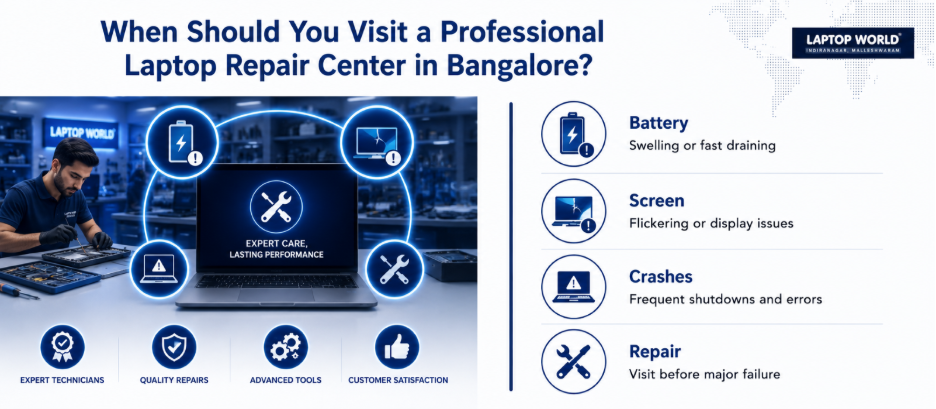
Consider professional assistance if:
- Performance problems persist for several weeks.
- The laptop frequently overheats.
- Battery issues interfere with daily use.
- System crashes become common.
- Unusual noises develop.
- Display problems worsen over time.
Seeking expert laptop repair in Bangalore at the first sign of trouble can prevent expensive component replacements and prolong your device.
Final Thoughts
Laptops often provide early warnings before a major failure occurs. While some minor issues can be resolved through basic troubleshooting, recurring problems often require professional attention.
If you are experiencing persistent laptop performance issues, schedule a professional inspection with Laptop World in Malleshwaram and give your device the attention it needs.
About Laptop World
With 20 years of experience in Retail, Laptop World is Bangalore’s oldest multi-brand laptop store, offering a personalized customer experience. We are unbiased towards any particular brand, dealing with top names like HP, Lenovo, Dell, Asus, and Apple. Our commitment to excellent customer service sets us apart.
For businesses, our corporate division, Nurture IT, provides comprehensive IT solutions tailored for startups, ensuring all your IT needs are met in one place. From laptops to networking, servers, Information Security, and Endpoint Protection – we have you covered.
FAQs
1. How often should I get my laptop professionally checked?
Most laptops benefit from a professional inspection every 6 to 12 months, depending on usage and environmental conditions.
2. What causes laptop overheating?
Common causes include dust buildup, blocked air vents, failing cooling fans, and degraded thermal paste.
3. Can a slow laptop be fixed without replacing hardware?
Yes. Many slow laptops improve through software optimization, malware removal, storage cleanup, and memory upgrades.
4. Is laptop overheating harmful?
Yes. Excessive heat can reduce component lifespan and may lead to unexpected shutdowns or hardware damage.
5. Why does my laptop battery drain quickly?
Battery aging, background applications, power setting issues, and battery wear are common causes.