Laptop Warranty Explained: What’s Covered and What’s Not?
Buying a laptop is a big investment. While buyers often compare specifications, performance, and price, many overlook the warranty part. Understanding your warranty can help you avoid unexpected repair costs. In this laptop warranty guide, we explain what a laptop warranty typically covers, what it does not cover, and how options like accidental damage protection…
Buying a laptop is a big investment. While buyers often compare specifications, performance, and price, many overlook the warranty part. Understanding your warranty can help you avoid unexpected repair costs.
In this laptop warranty guide, we explain what a laptop warranty typically covers, what it does not cover, and how options like accidental damage protection and an extended warranty can provide additional peace of mind.
What Is a Laptop Warranty?
A laptop warranty is a manufacturer’s promise to repair or replace components that fail because of defects in materials or workmanship within a specified period. Most laptop brands provide a standard limited warranty when you purchase a new device.
The warranty period varies depending on the manufacturer and model, but one year is the most common duration. Premium business laptops may include longer coverage periods or enhanced support services.
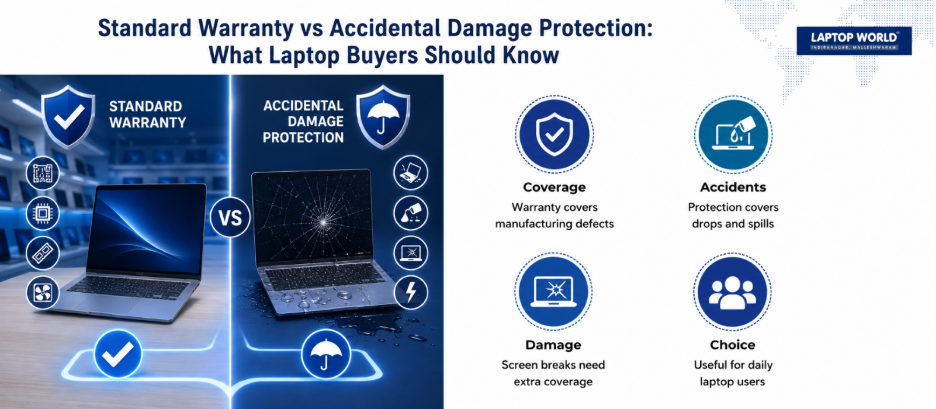
However, a warranty protects consumers from manufacturing defects, not from damage caused by misuse, accidents, or unauthorized modifications.
Why Understanding Your Warranty Matters
Many laptop owners assume that every hardware issue will be repaired free of charge under warranty. Unfortunately, that is not always the case.
Knowing the terms of your warranty helps you:
- Avoid unexpected repair expenses
- Understand your rights as a consumer
- Make informed decisions about repairs
- Determine whether additional coverage is worthwhile
- Protect your investment more effectively
Reading the warranty terms before a problem occurs can save both time and frustration later.
Also Read: How to Identify Fake or Low-Quality Laptop Parts Before Buying (Laptop Buying Guide)
What Is Usually Covered Under a Laptop Warranty?
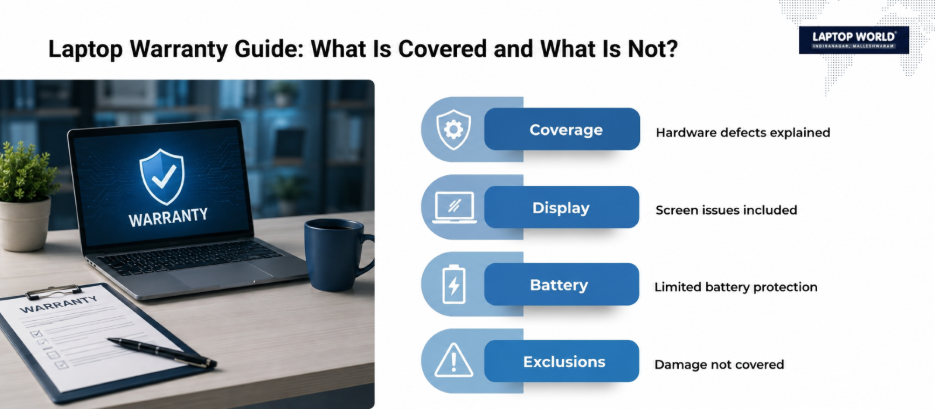
Although coverage varies by manufacturer, most standard warranties include protection against defects related to manufacturing and hardware performance.
1. Hardware Component Failures
If an internal component stops functioning because of a manufacturing defect, the repair is generally covered. Examples include:
- Motherboard failures
- Processor defects
- Faulty RAM modules
- Internal storage drive failures
- Graphics card defects
- Wireless network card malfunctions
The manufacturer typically repairs or replaces the defective component at no additional cost during the warranty period.
2. Display Defects
Certain display-related problems may be covered if they result from manufacturing issues. Examples include:
- Dead pixels beyond manufacturer thresholds
- Screen flickering caused by hardware defects
- Backlight failures
- Display connection issues
Although coverage standards differ between brands, particularly regarding acceptable dead pixel counts.
3. Keyboard and Touchpad Issues
A warranty may cover keyboards or touchpads that stop functioning because of manufacturing defects. Examples include:
- Non-responsive keys
- Touchpad malfunction
- Internal keyboard connection failures
Normal wear resulting from prolonged use may not qualify for warranty service.
4. Battery Coverage (Limited)
Many manufacturers provide separate battery coverage because batteries are consumable components that naturally degrade over time.
Battery warranties commonly cover:
- Premature battery failure
- Manufacturing defects
- Charging system malfunctions
A gradual reduction in battery capacity due to regular use is considered normal and is often excluded.
5. Cooling System Defects
If cooling fans or heat management systems fail because of manufacturing defects, repairs may be covered. Examples include:
- Fan motor failure
- Defective thermal components
- Factory-installed cooling system issues
These repairs help prevent overheating and maintain system performance.
What Is Not Covered Under a Standard Laptop Warranty?
While warranties offer valuable protection, they also contain important exclusions.
1. Physical Damage
One of the most common warranty exclusions is physical damage. Examples include:
- Cracked screens
- Broken hinges
- Dented chassis
- Damaged ports
- Bent laptop frames
If the damage results from dropping, crushing, or mishandling the device, it’s not covered.
2. Liquid Damage
Spilling coffee, water, juice, or other liquids onto a laptop can cause severe internal damage. Standard warranties generally exclude:
- Water damage
- Beverage spills
- Moisture exposure
- Corrosion caused by liquids
Also, repair costs for liquid damage can often be substantial.
3. Accidental Damage
Accidents happen, but standard warranties usually do not cover them. Examples include:
- Drops
- Falls
- Impact damage
- Screen breakage from accidents
This is where accidental damage protection becomes valuable.
4. Theft or Loss
A manufacturer’s warranty does not cover stolen or lost laptops. If device replacement protection is important, users may need separate insurance policies or business protection plans.
5. Software Problems
Most hardware warranties focus on physical components rather than software-related issues. Typically excluded:
- Virus infections
- Malware attacks
- Operating system corruption
- Third-party software conflicts
- Data loss
Manufacturers may provide technical support, but software issues are outside warranty coverage.
6. Unauthorized Repairs or Modifications
Opening a laptop and performing unauthorized repairs can affect warranty eligibility. Potential issues include:
- Third-party motherboard repairs
- Unauthorized component replacements
- Hardware modifications
- Internal damage caused during self-repair
Many manufacturers require service through authorized technicians during the warranty period.
Understanding Accidental Damage Protection
Accidental damage protection is an optional service plan offered by many laptop manufacturers and retailers.
Unlike a standard warranty, this protection covers incidents resulting from unexpected accidents. Coverage often includes:
- Accidental drops
- Screen breakage
- Liquid spills
- Electrical surges
- Impact-related damage
The exact terms vary by provider, so reviewing policy details is important before purchasing coverage.
Also Read: How to Negotiate Laptop Price in Offline Stores (Real Tips)
What Is an Extended Warranty?
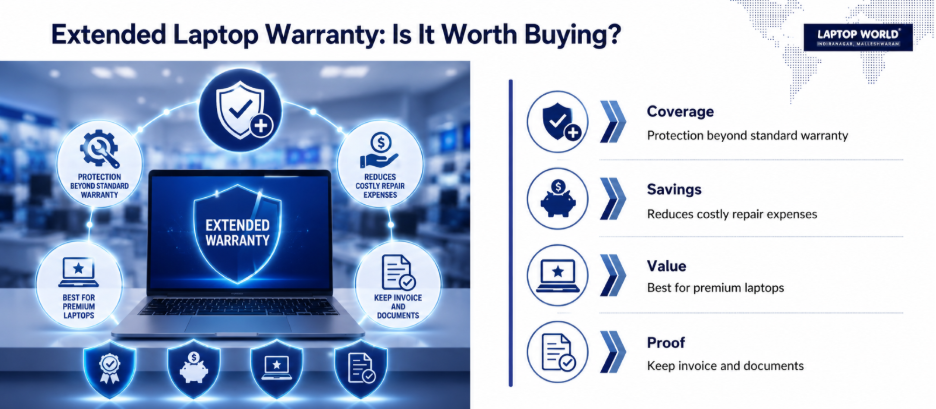
An extended warranty provides coverage beyond the original manufacturer’s warranty period. For example:
- Standard warranty: 1 year
- Extended warranty: Additional 1-3 years
Many laptop brands offer extended warranty plans at the time of purchase or before the standard warranty expires.
Benefits of an Extended Warranty
An extended warranty may provide:
- Longer hardware protection
- Reduced repair expenses
- Access to authorized service centers
- Technical support benefits
- Business continuity for professional users
Extended coverage can be particularly useful for premium laptops where repair costs are higher.
When an Extended Warranty Makes Sense
An extended warranty may be worth considering if:
- You plan to keep the laptop for several years.
- The laptop is a premium or business-class model.
- Repair costs for replacement parts are expensive.
- The device is essential for work or education.
How to Check Your Warranty Status
Most manufacturers allow users to verify warranty coverage online. Common methods include:
- Entering the serial number on the manufacturer’s website
- Using pre-installed support applications
- Contacting customer support
- Checking original purchase documentation
Keeping purchase invoices and warranty documents readily available can simplify future claims.
Tips for Protecting Your Warranty
To avoid complications during warranty claims:
- Register your laptop after purchase if required.
- Keep the original invoice.
- Use authorized service centers.
- Avoid unauthorized modifications.
- Follow manufacturer maintenance guidelines.
- Back up important data regularly.
These simple practices can help streamline the repair process if problems occur.
Final Thoughts
A laptop warranty offers valuable protection against manufacturing defects and hardware failures, but it does not cover every type of damage. Understanding what is included and what is excluded can help you make better decisions when purchasing, maintaining, and repairing your device.
The right coverage can reduce unexpected repair expenses and help you get more value from your laptop over the long term.
Need Help With Laptop Warranty Support?
At Laptop World, we do more than just sell laptops. When you purchase your device from us, our team can help streamline the warranty process by guiding you through registration, service requests, and authorized support procedures.
Drop by our store in Malleshwaram or contact our team to get expert assistance with your laptop purchase and warranty support.
About Laptop World
With 20 years of experience in Retail, Laptop World is Bangalore’s oldest multi-brand laptop store, offering a personalized customer experience. We are unbiased towards any particular brand, dealing with top names like HP, Lenovo, Dell, Asus, and Apple. Our commitment to excellent customer service sets us apart.
For businesses, our corporate division, Nurture IT, provides comprehensive IT solutions tailored for startups, ensuring all your IT needs are met in one place. From laptops to networking, servers, Information Security, and Endpoint Protection – we have you covered.
FAQs
1. What is a laptop warranty?
A laptop warranty is a manufacturer’s commitment to repair or replace defective components that fail because of manufacturing defects within a specified period.
2. How long does a standard laptop warranty last?
Most laptops include a one-year limited warranty, although some premium models may offer longer coverage.
3. Does a laptop warranty cover cracked screens?
Generally, cracked screens caused by accidents are not covered under a standard warranty.
4. Is liquid damage covered by a laptop warranty?
No. Water and liquid damage are usually excluded from standard warranty coverage.
5. What is accidental damage protection?
Accidental damage protection is an optional plan that covers damage caused by drops, spills, impacts, and other accidental events.